User experience
Driving app adoption with product tutorials
8 examples
Examples

Revolut
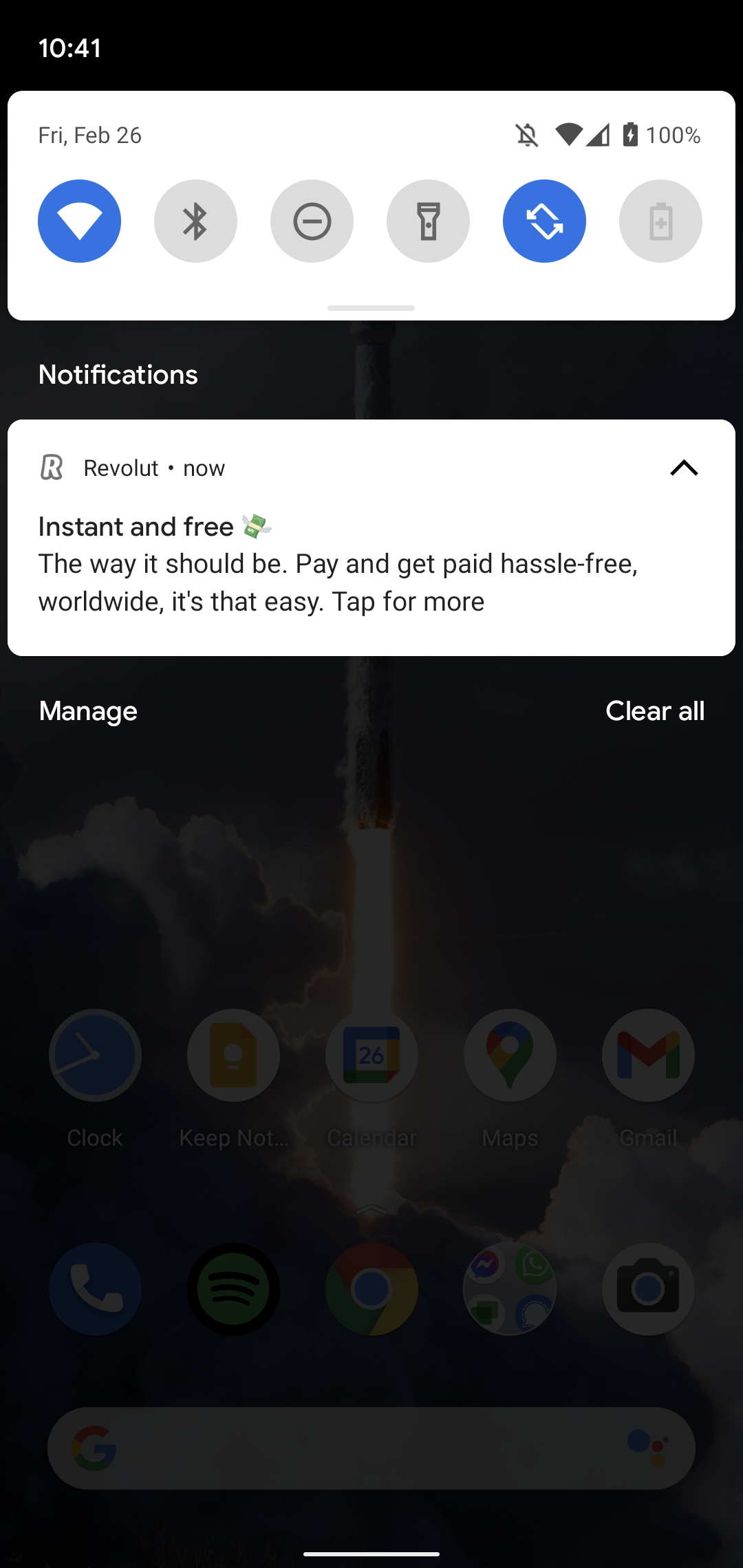
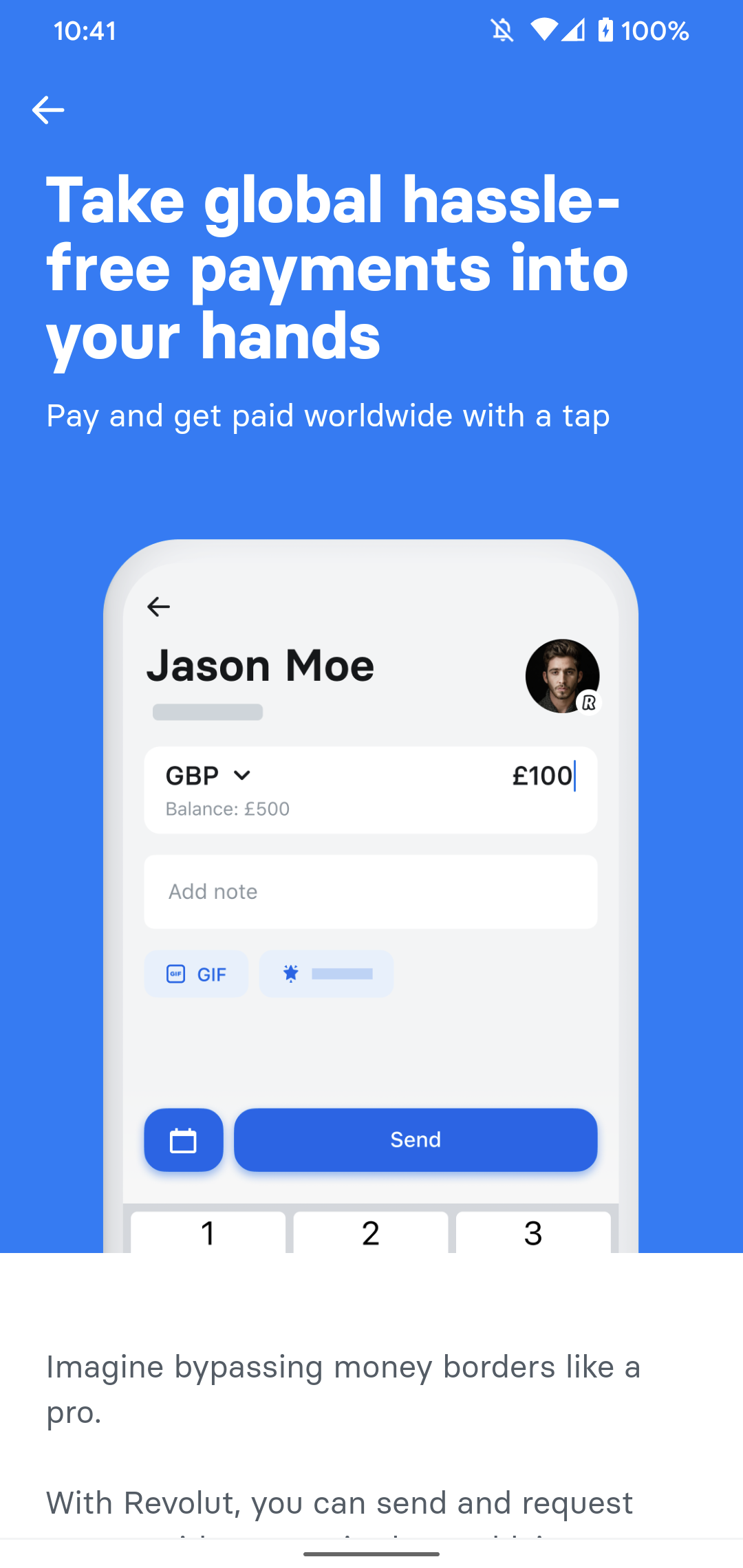
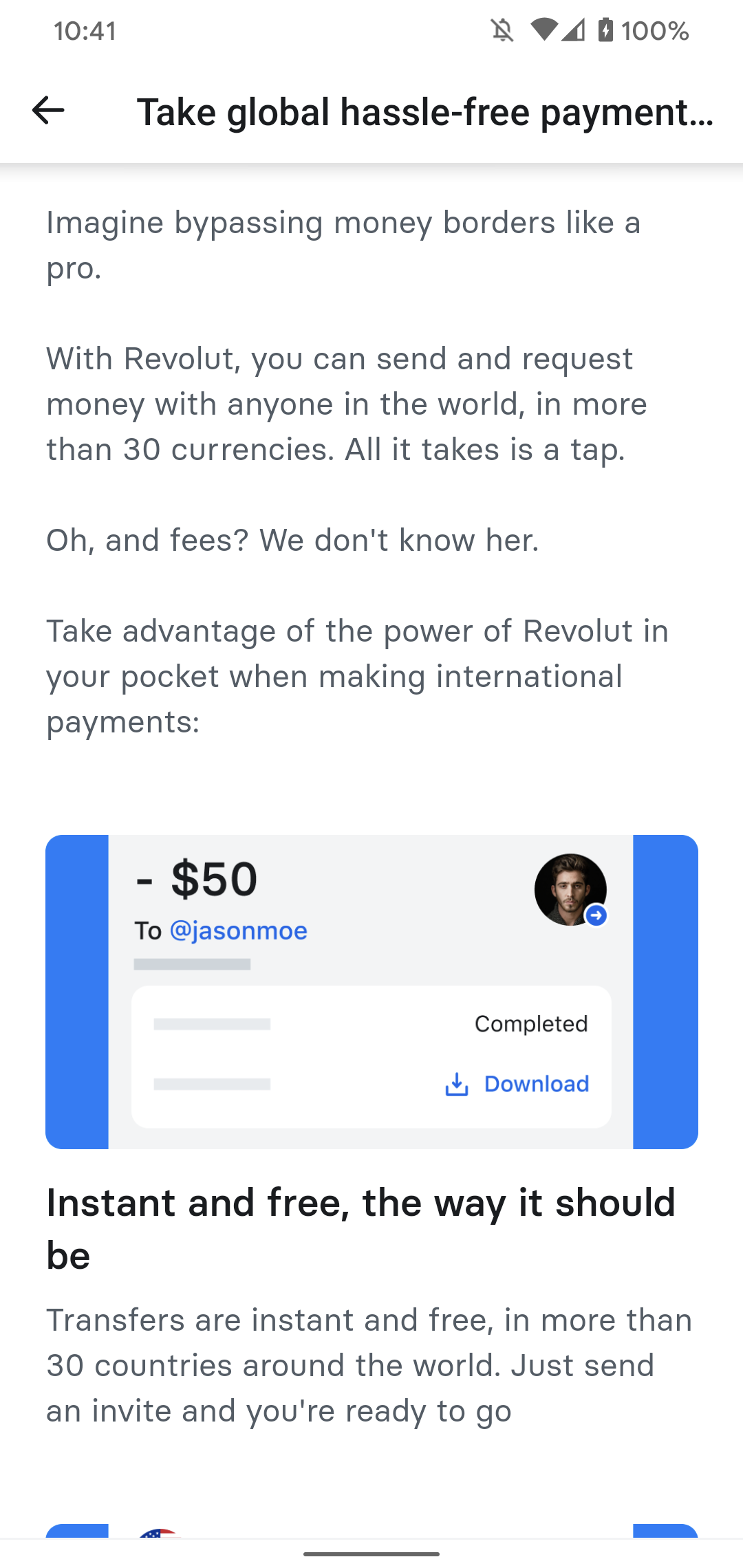
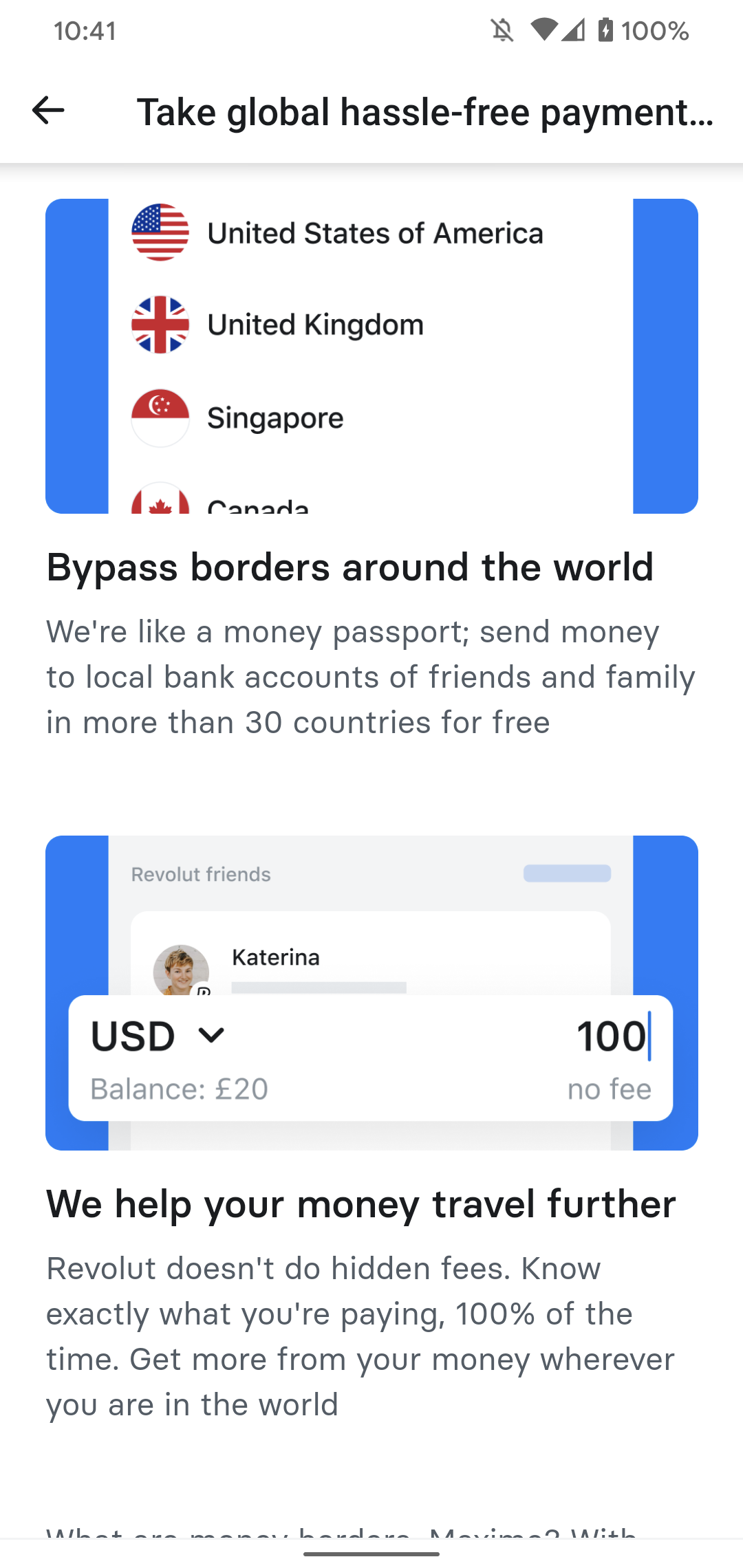
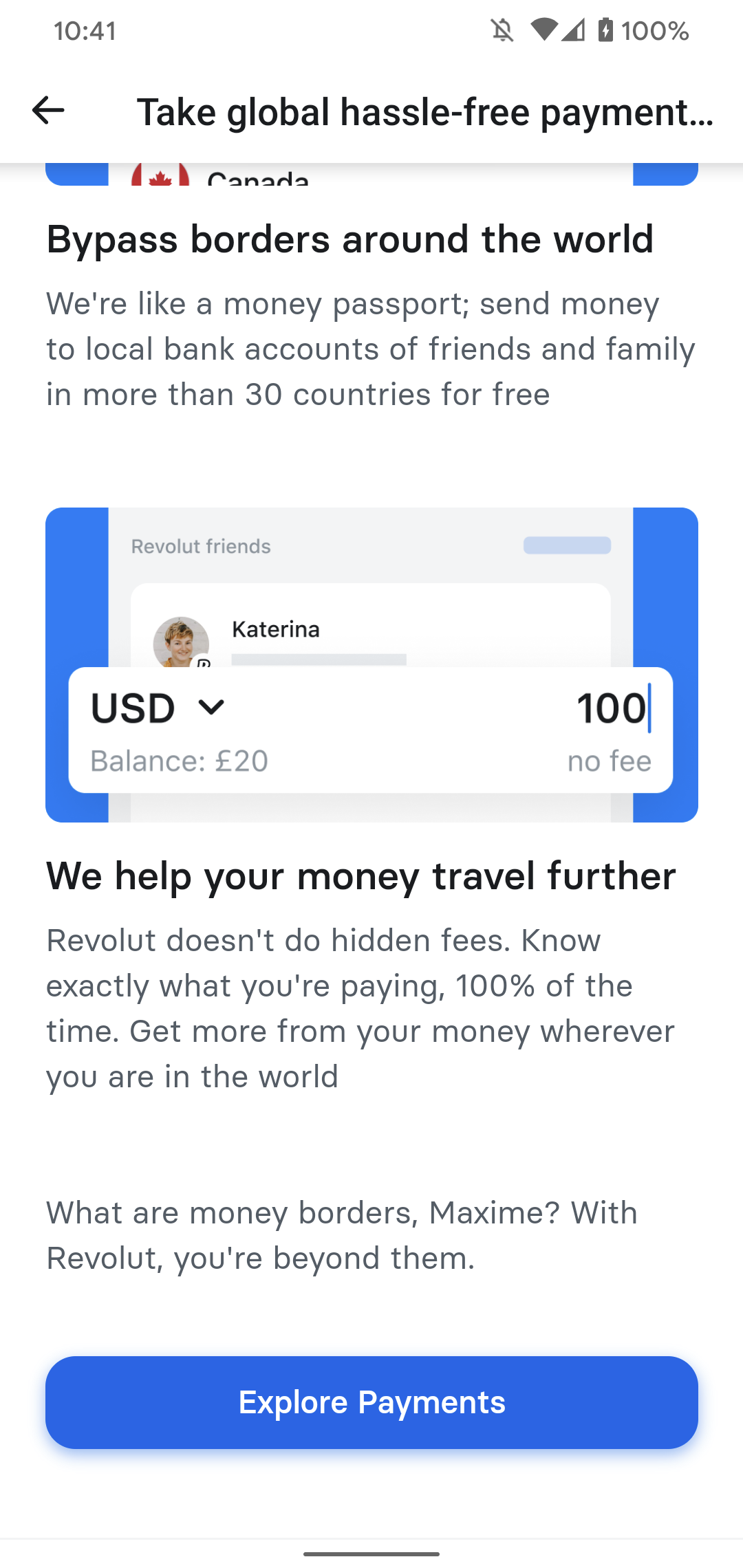
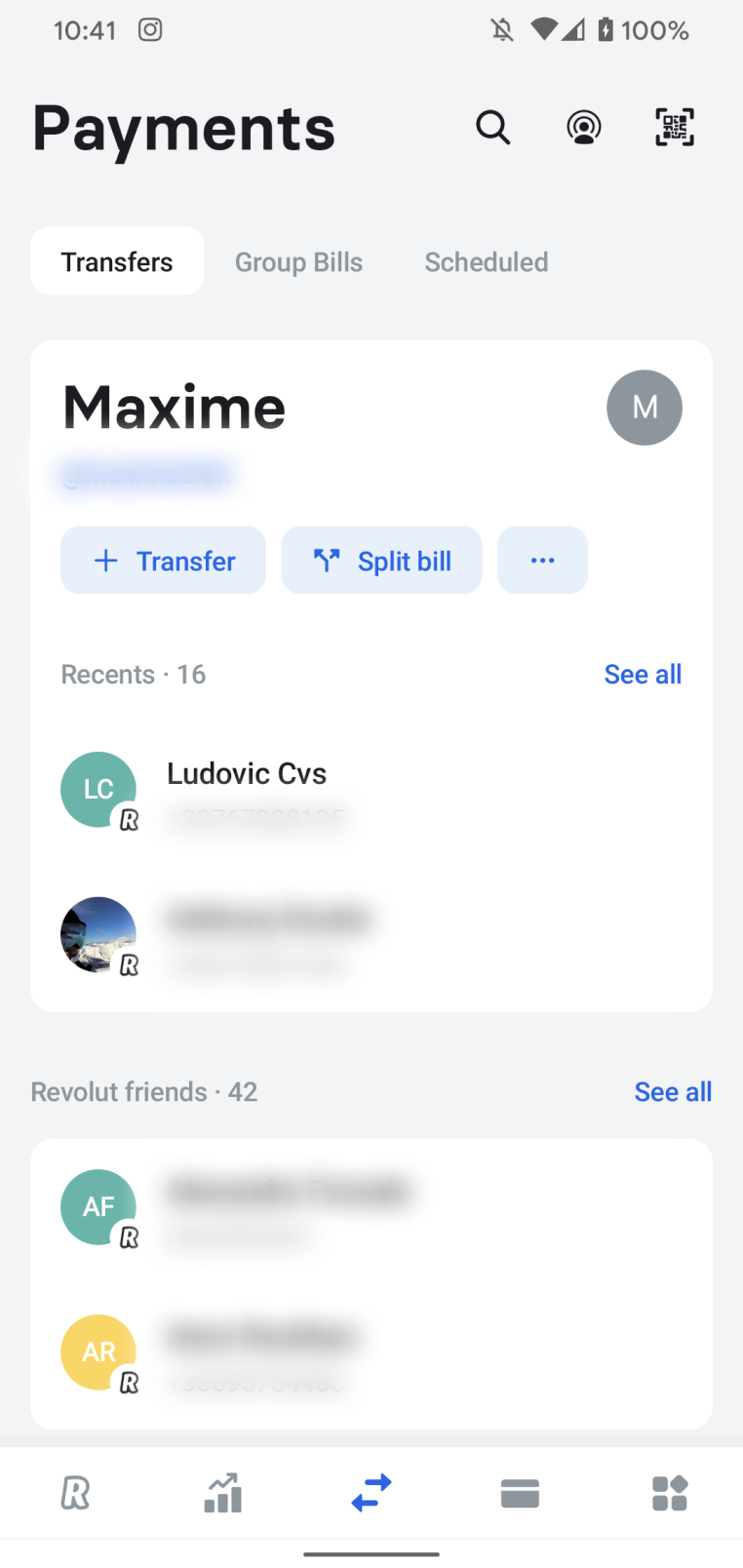
Revolut sends detailed product tutorials to remind how some of its core features work. They also use push notifications and design a tutorial page with a CTA towards the feature page.
This tactic is particularly relevant for complex apps that cannot introduce all the features at the same time.
Strava
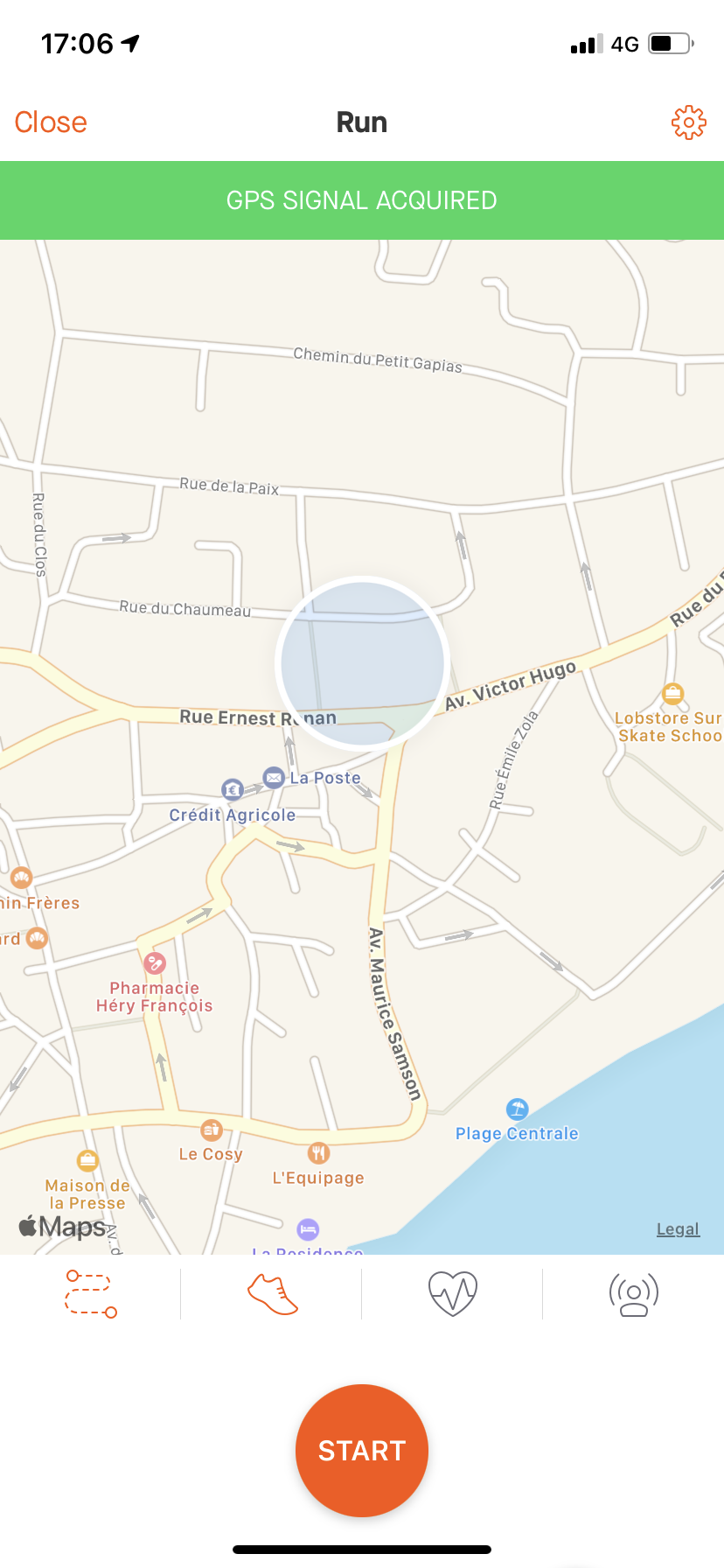
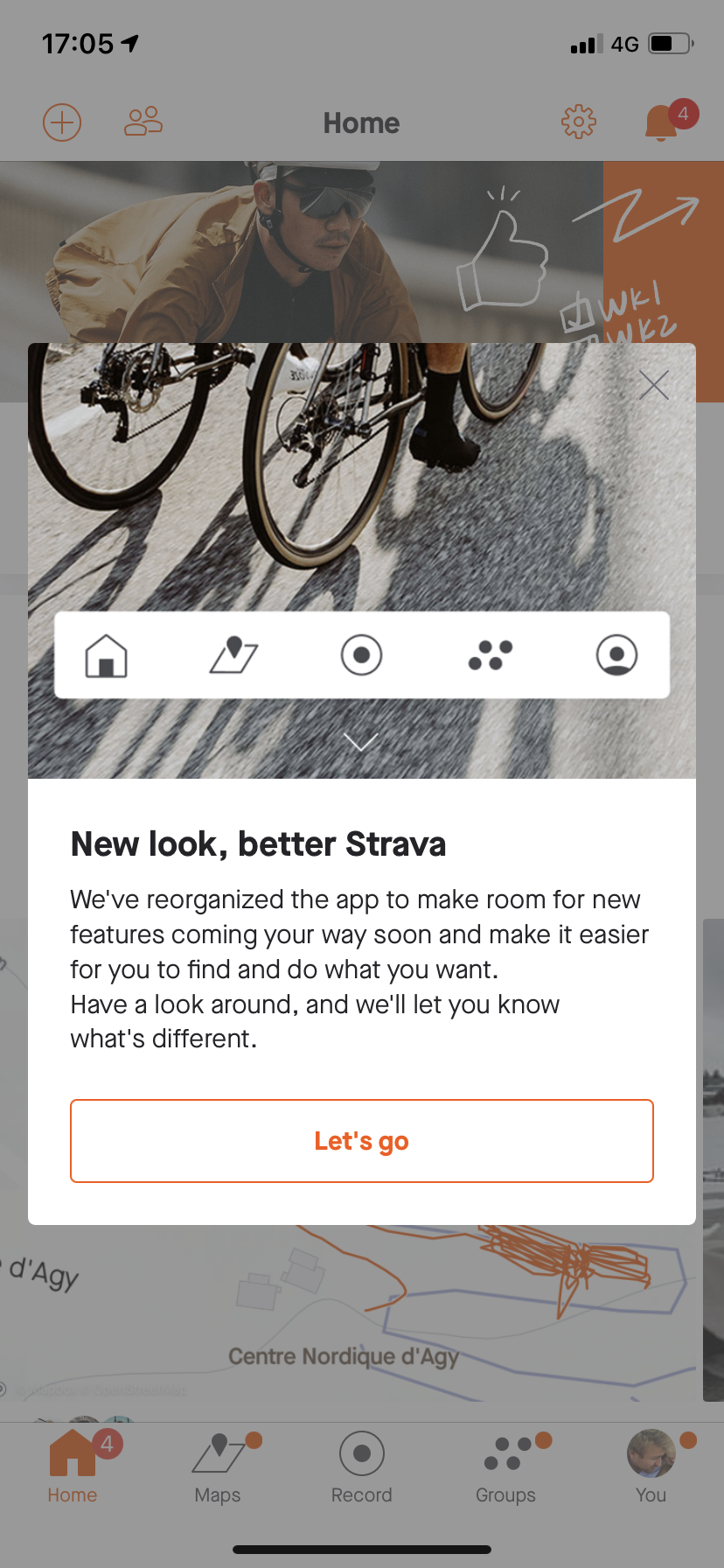
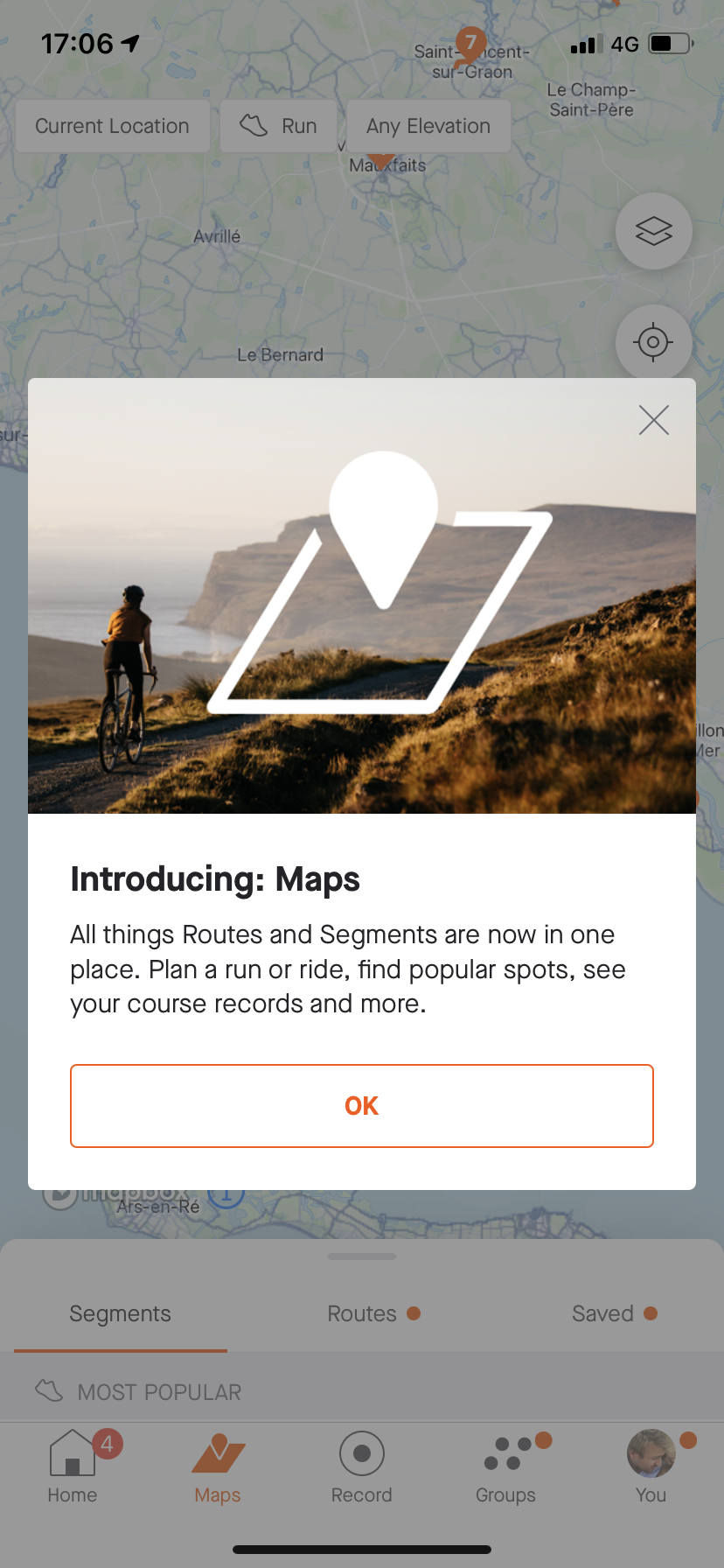
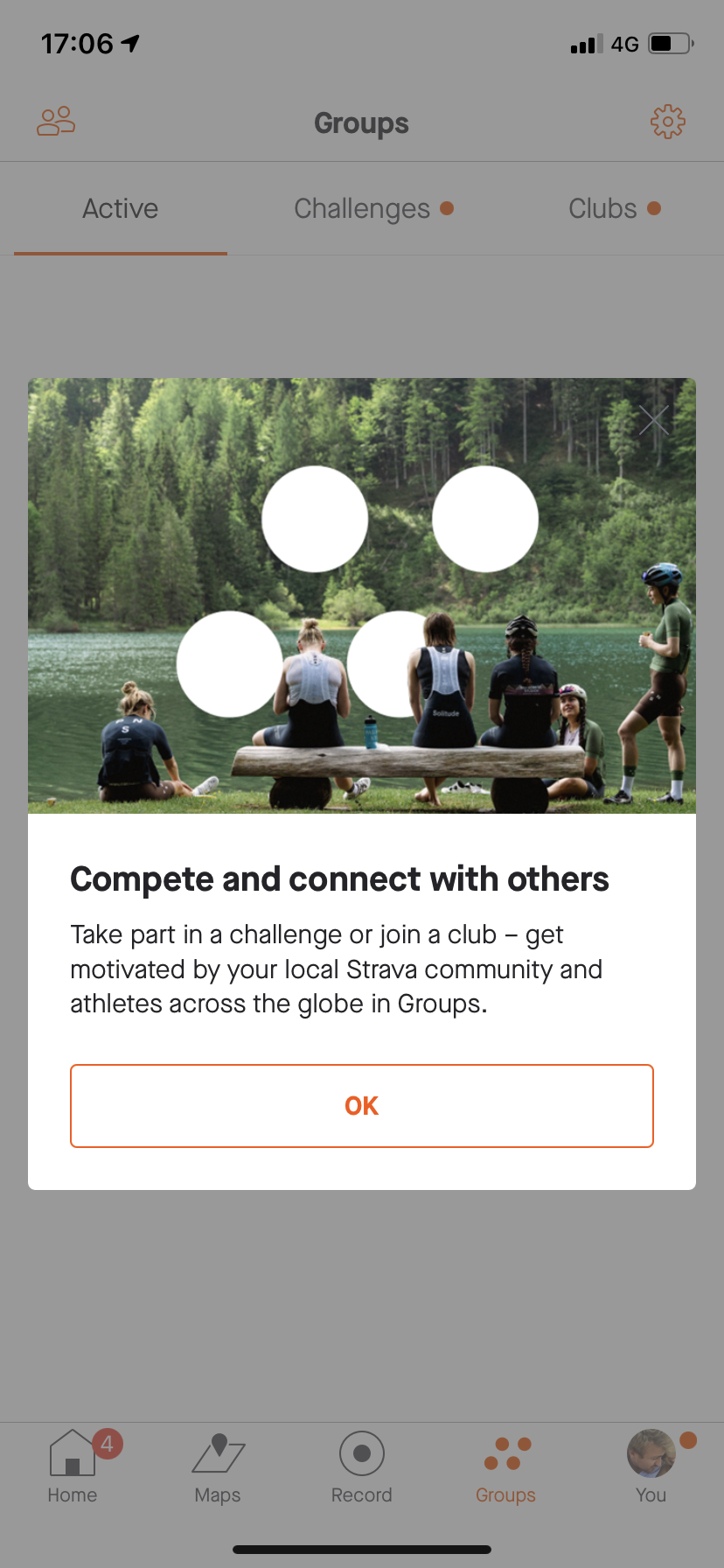
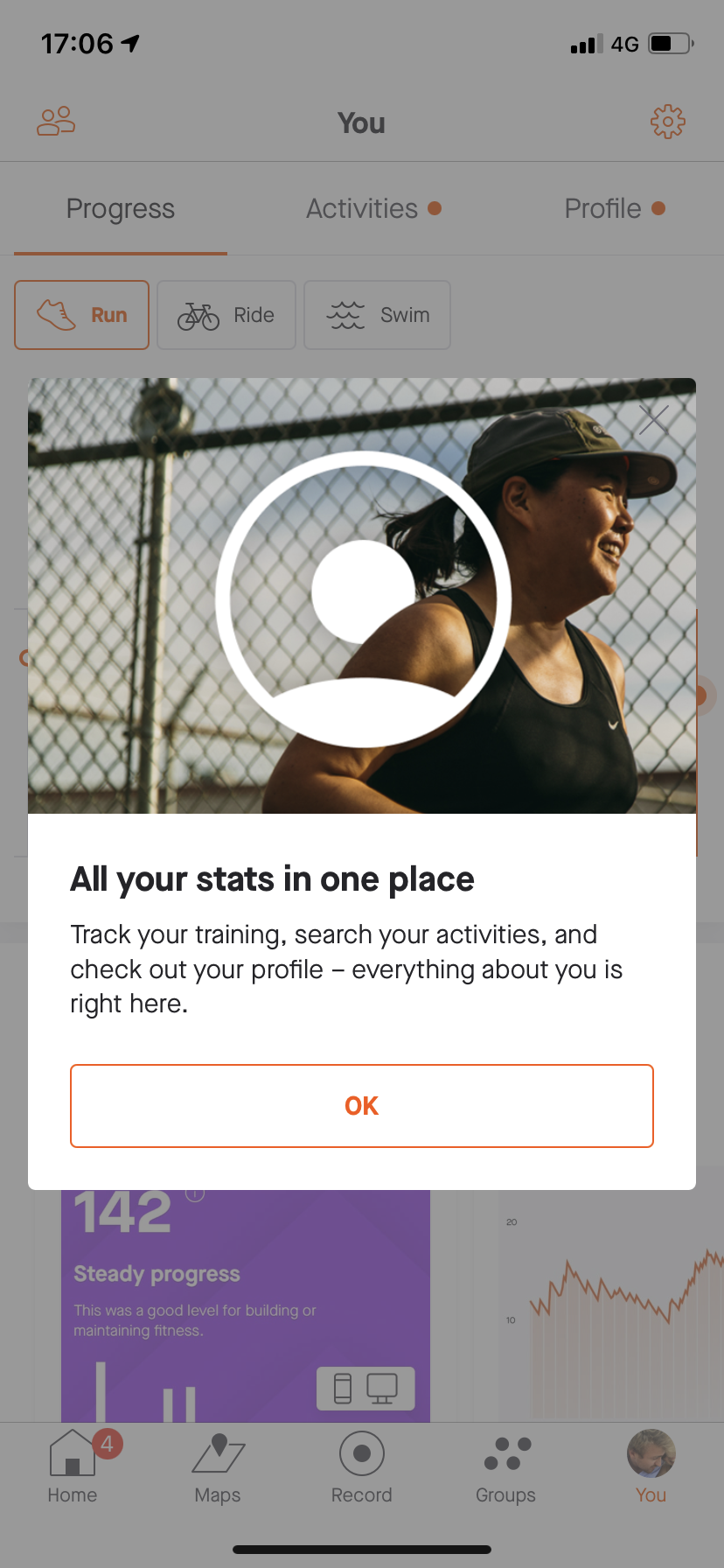
Great trick from Strava: showing users how to use the new version of the app with product tutorials in each section of the app. Also note their UX wording: 1/2 simple and imperative sentences per section to engage users with the new features.
Unknown App
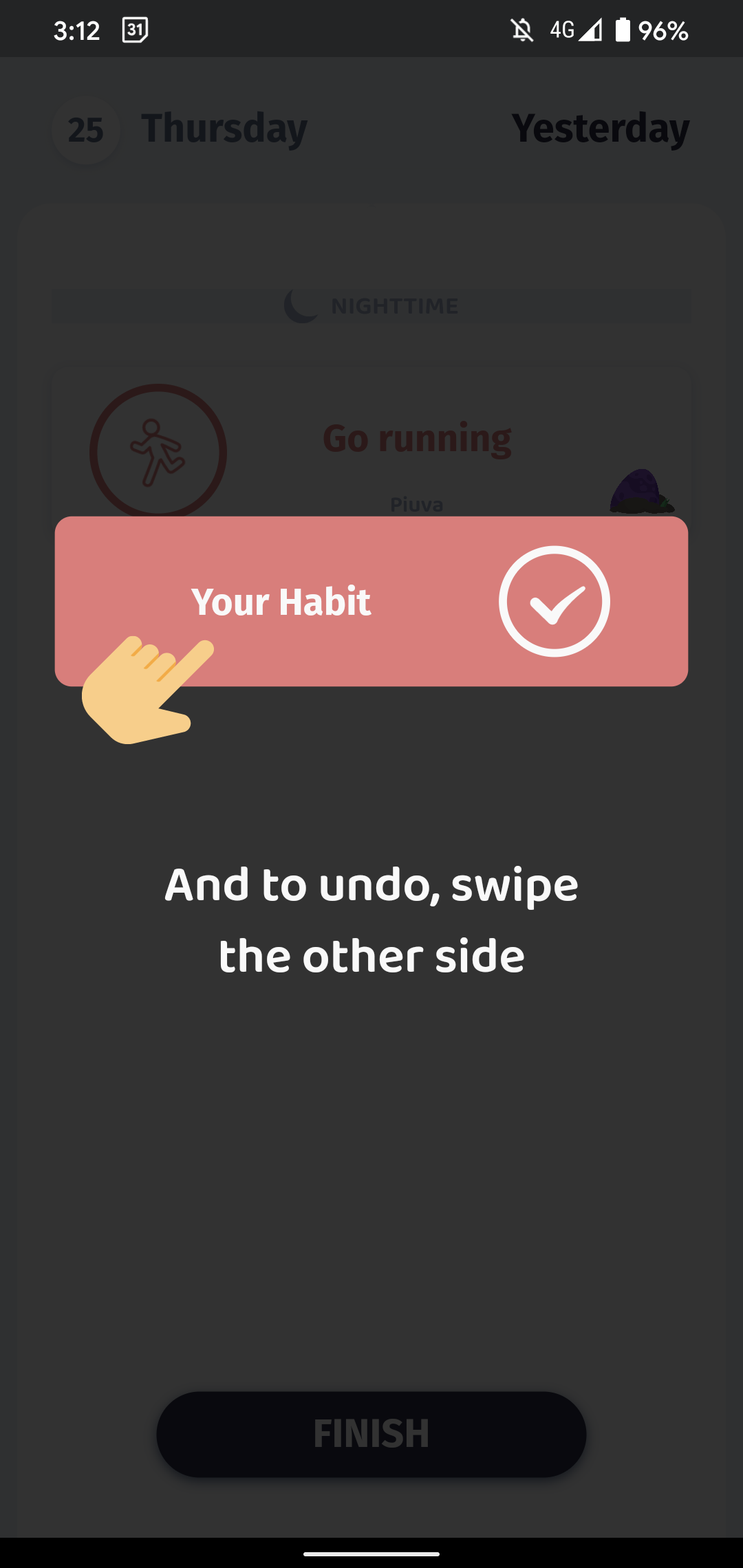
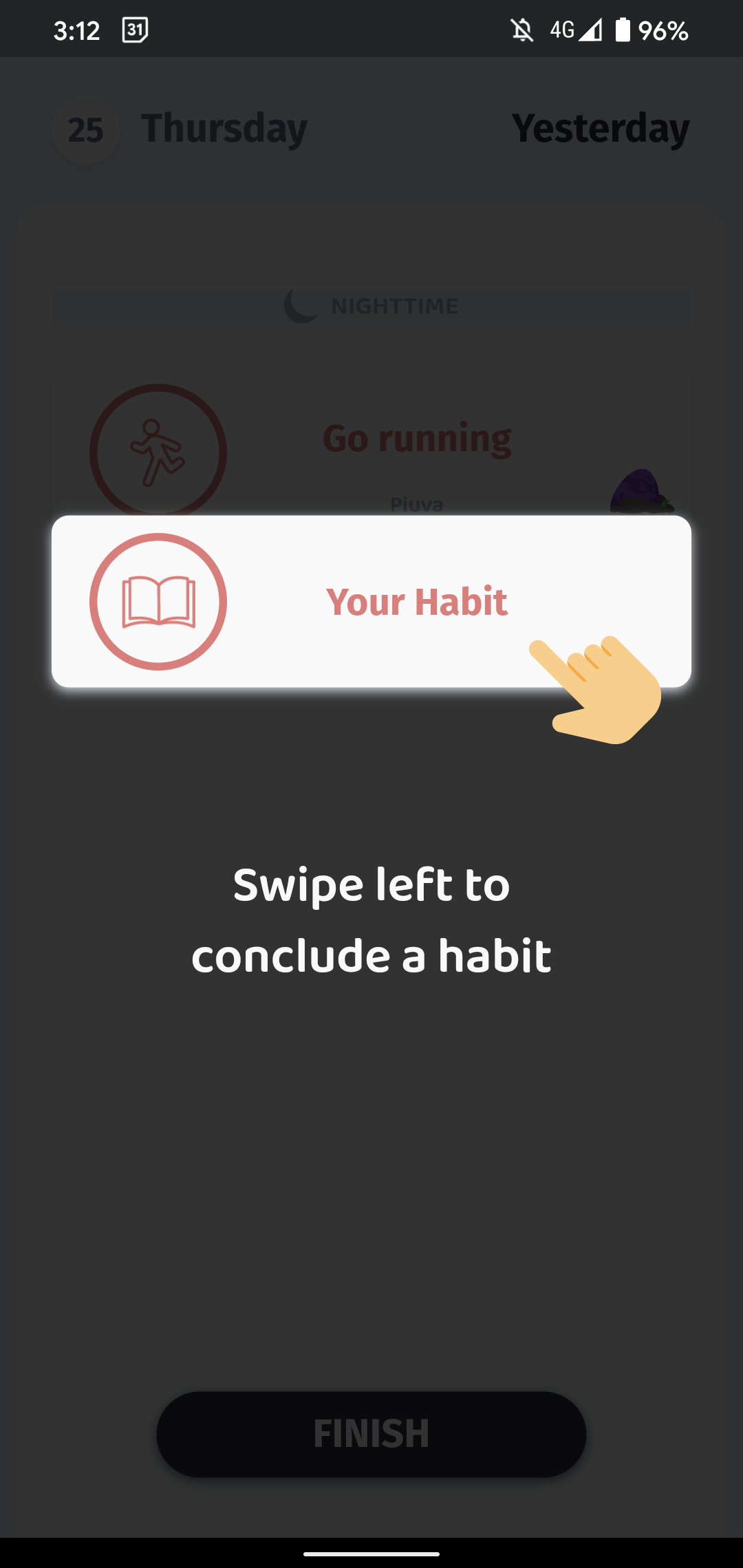
In the very first days, Intellect pushes short product tutorials each time users open the app. An interesting trick to make users more familiar with the app and gradually unlock its full potential.
Unknown App
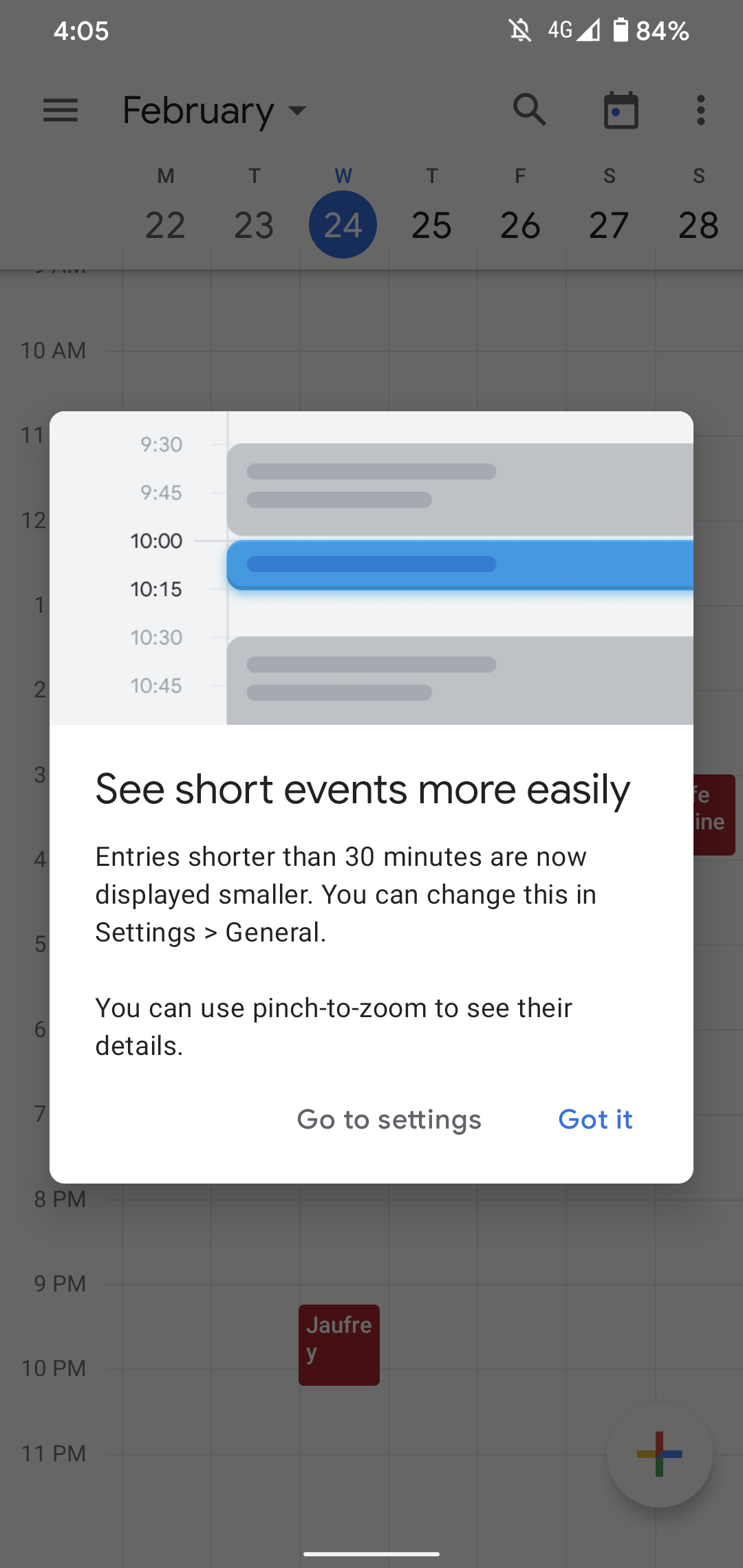
Product tutorials are a safe bet to maximise new features/UI adoption. A great example here with Google Agenda announcing that 30-min events will now be displayed smaller within users' calendar.

Hud
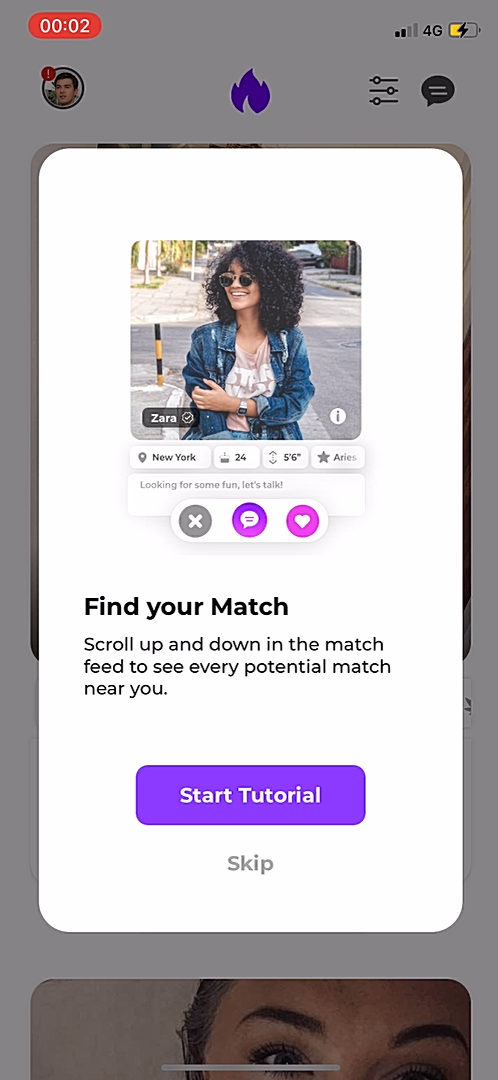
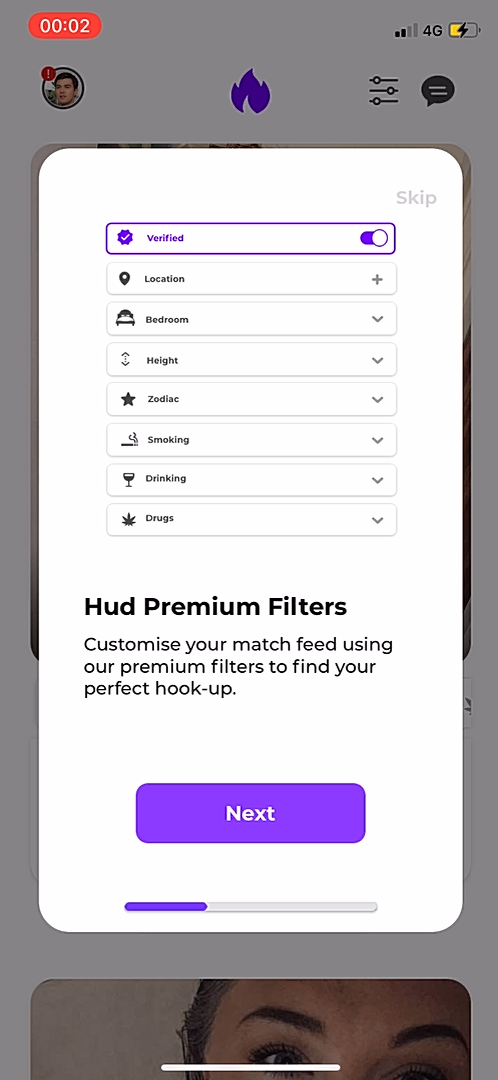
Although many dating apps share similar UX codes, each one has its specificities.
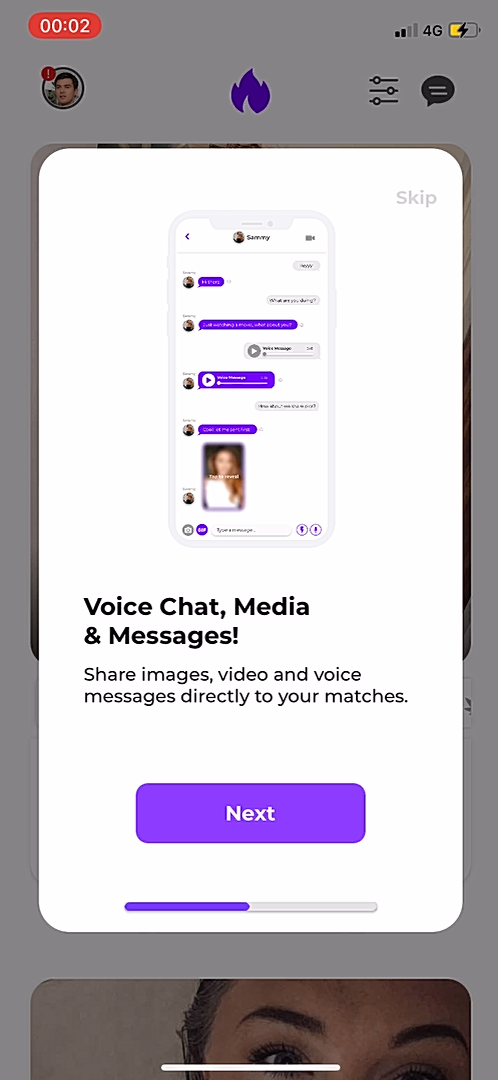
Hud has a vertical feed, filter features and in-app messaging that enables voice chat and external media.
As users may arrive from other dating apps and services, showing them how Hud is different is an important step towards product adoption (and latter subscription). Simple, great product tutorial here.
Unknown App
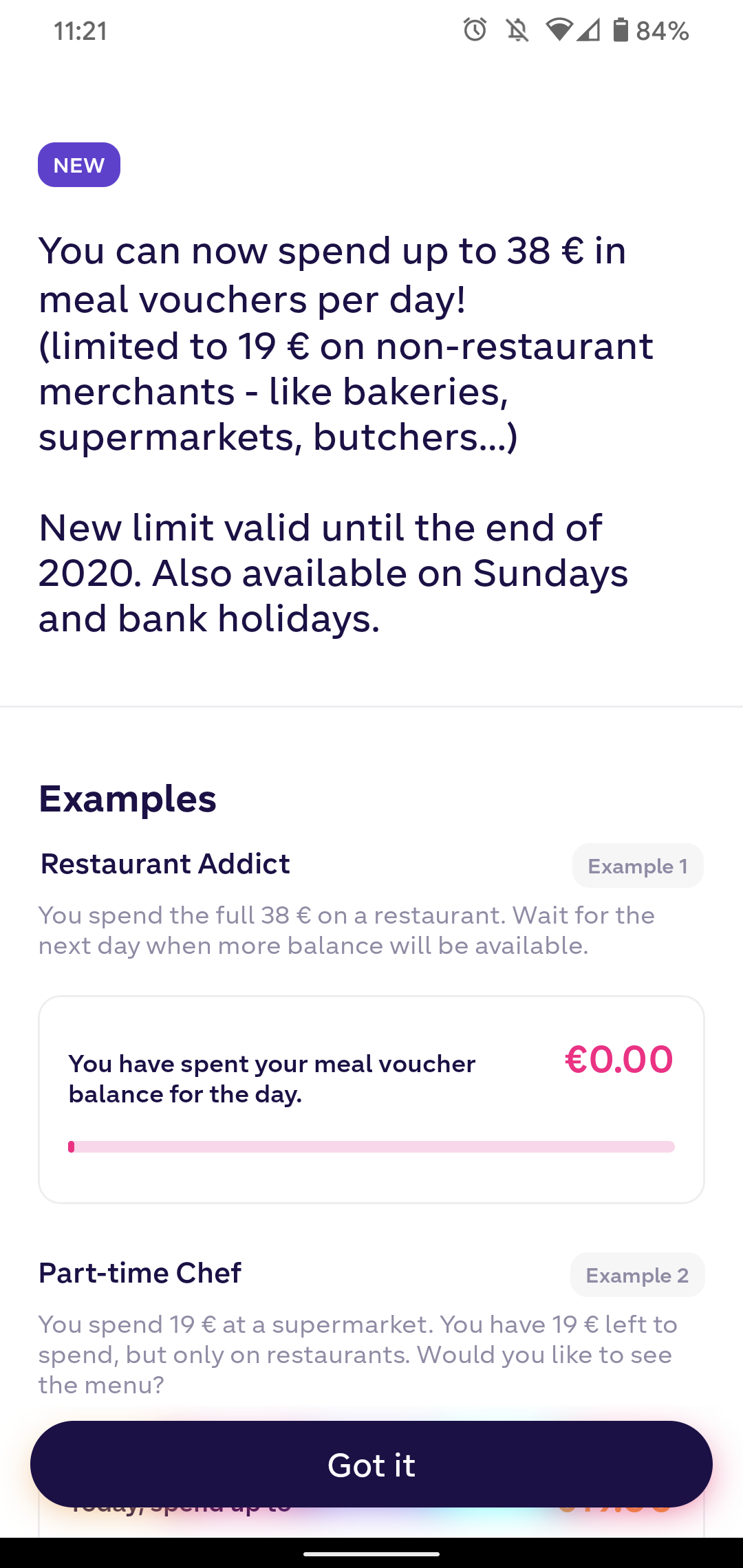
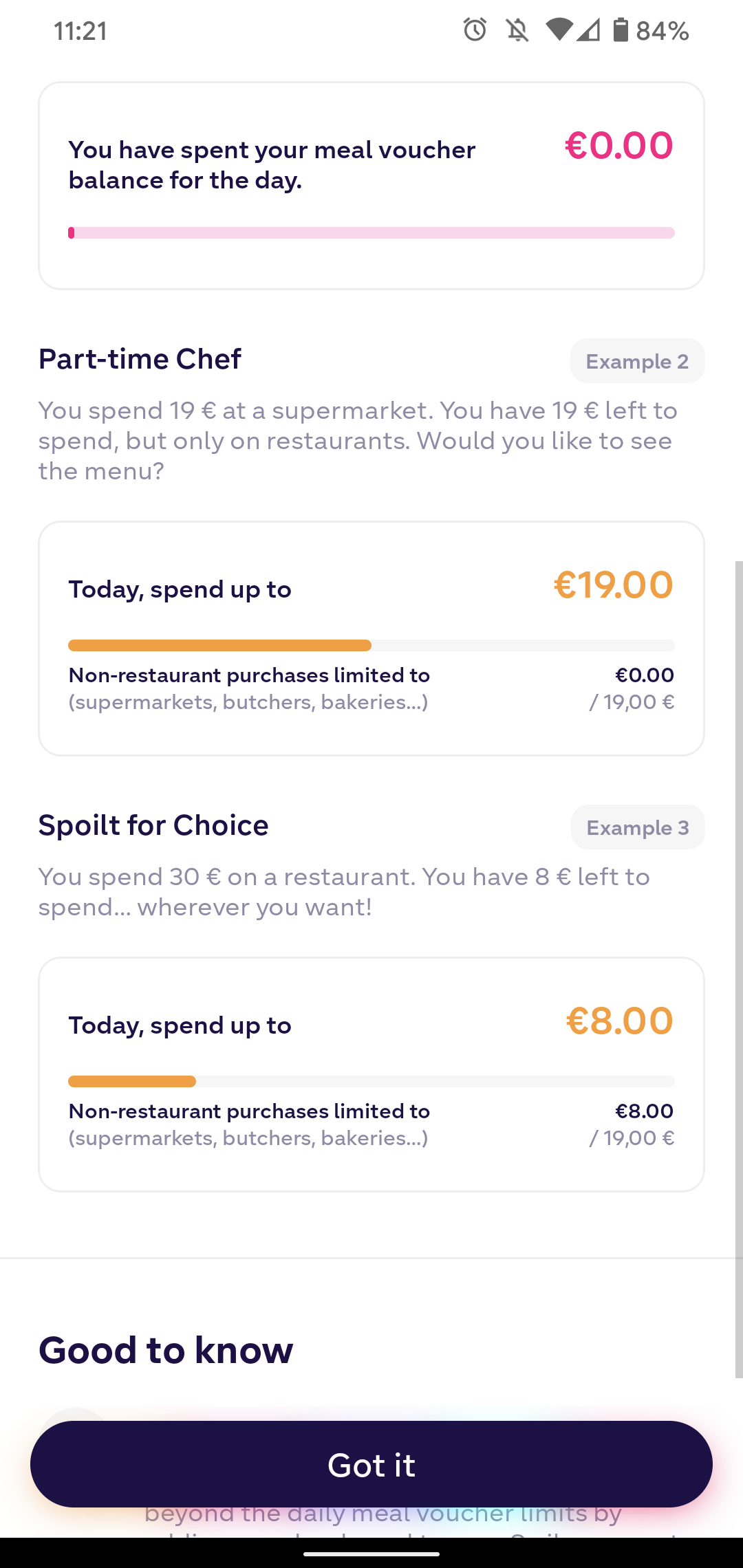
Swile helps users track their daily spendings on restaurants and supermakets. During the onboarding, they present to users how different spending situations happen and display within the app.
A great way to make sure users get the most of the app from the very beginning of their experience.
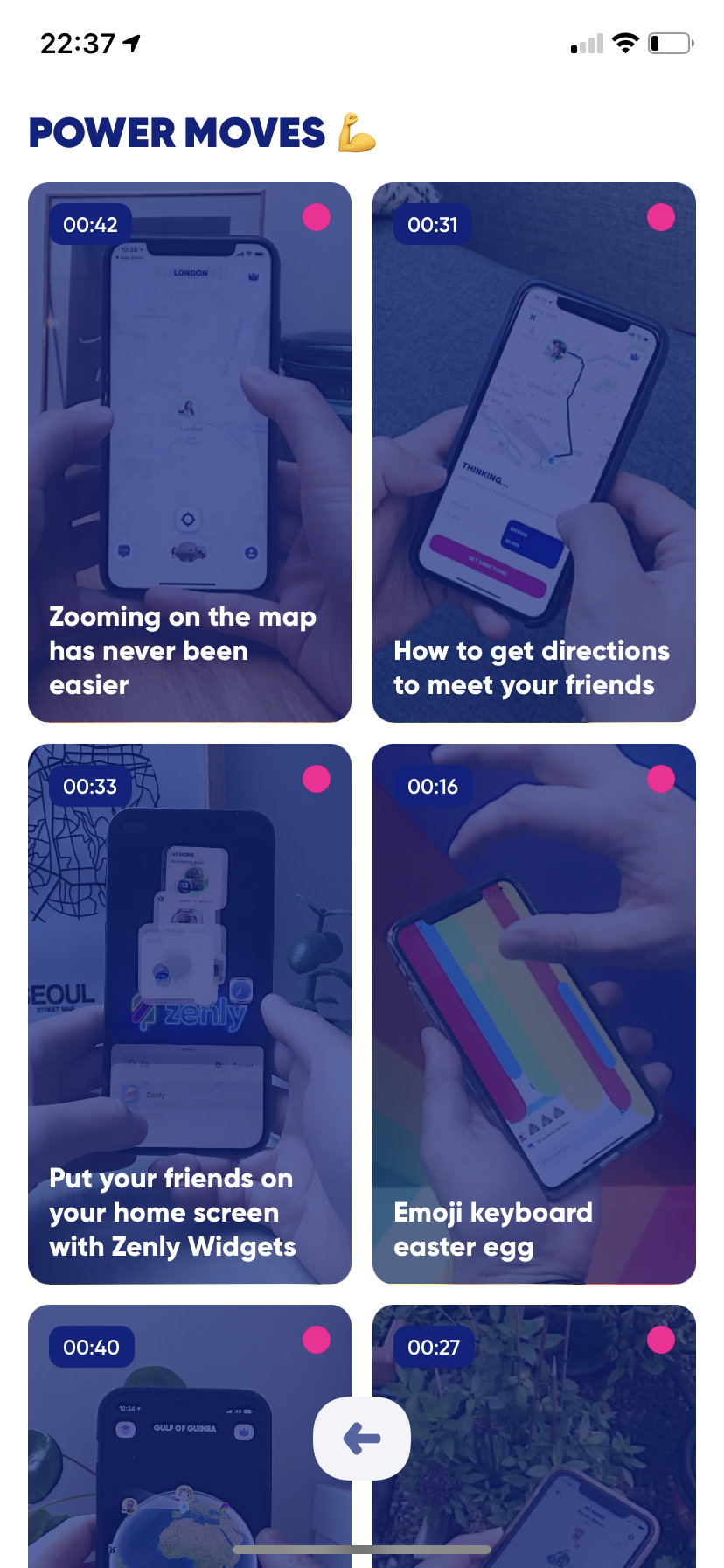
Zenly
Zenly has a suite of short videos on how to use specific features. It's a library to help your users becoming power users of the product.
Unknown App
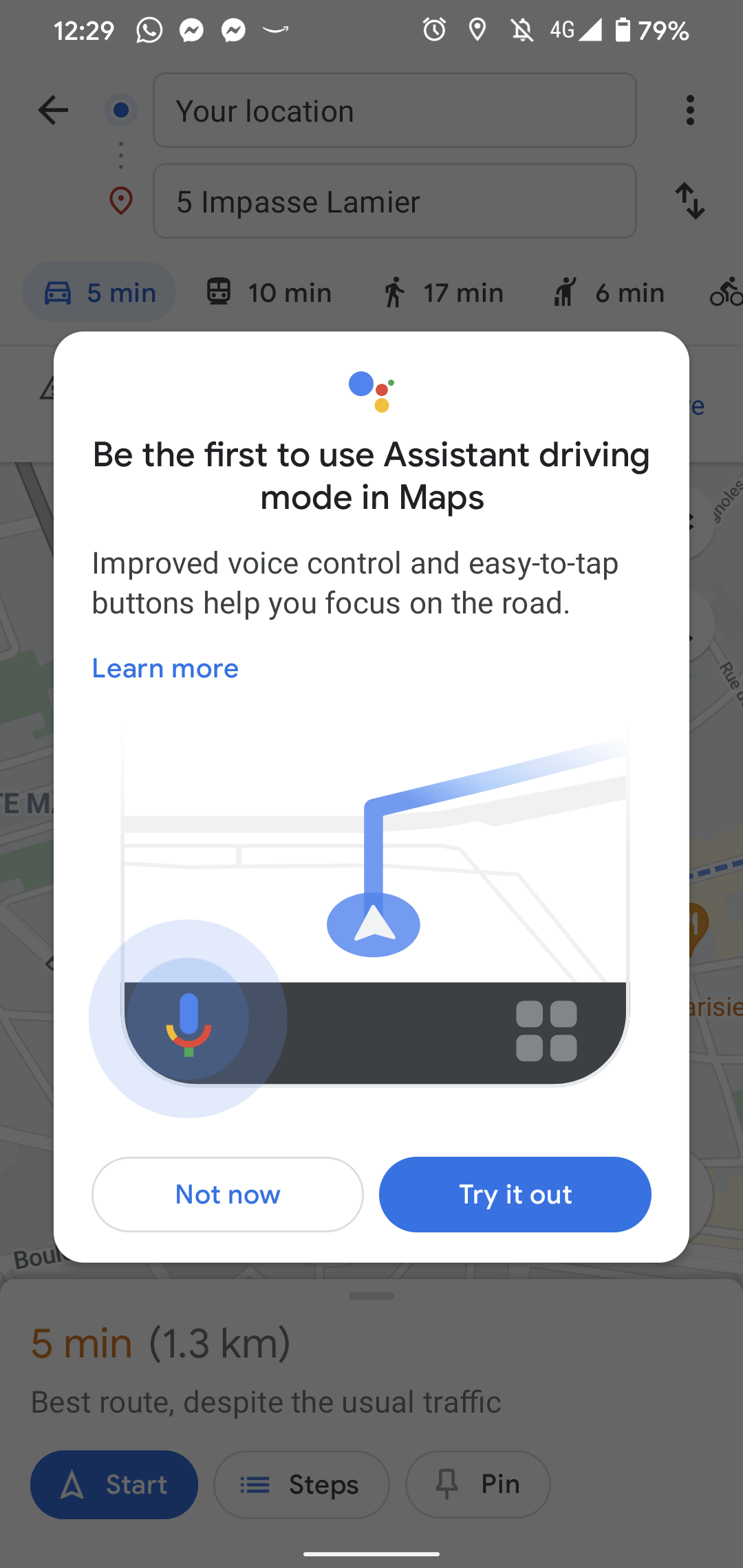
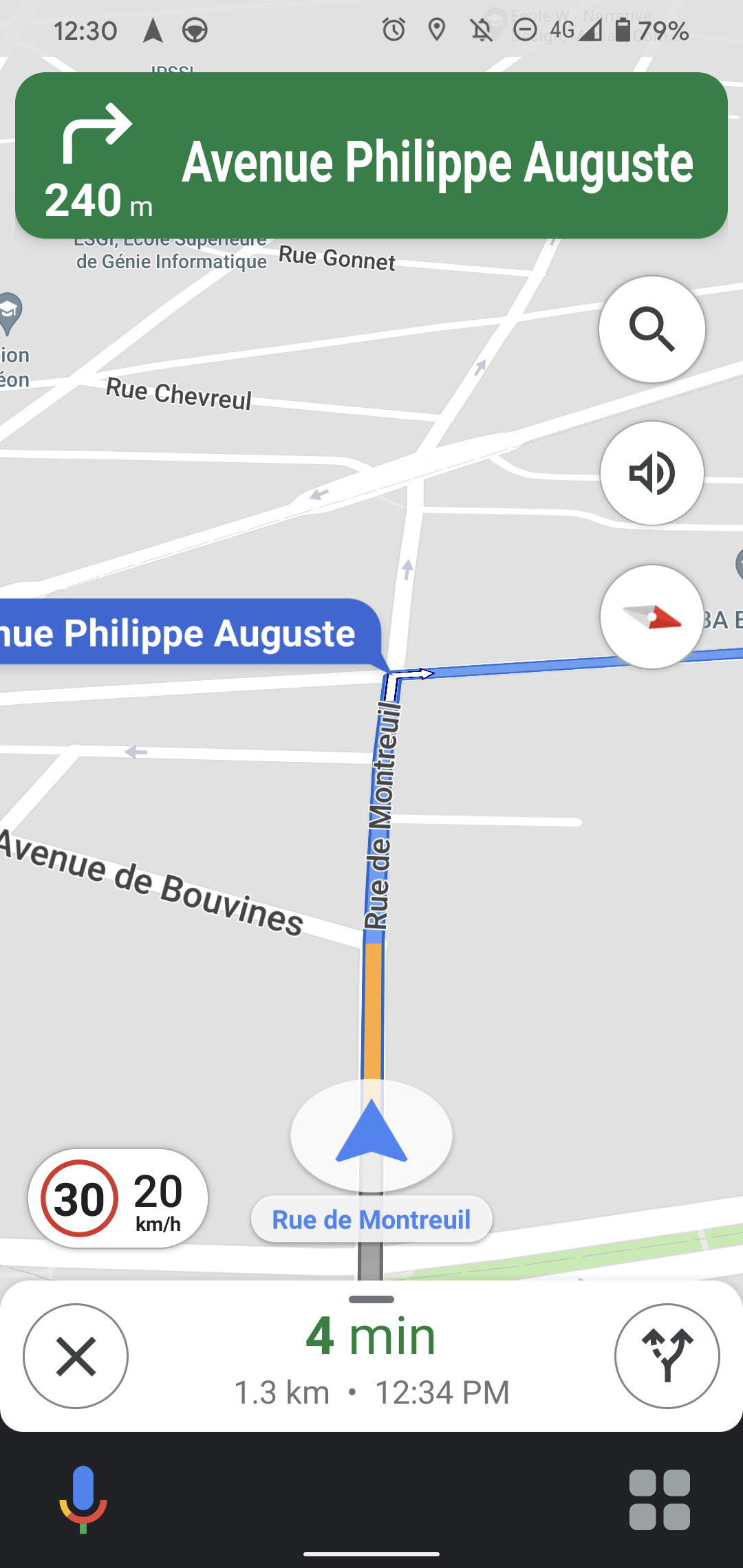
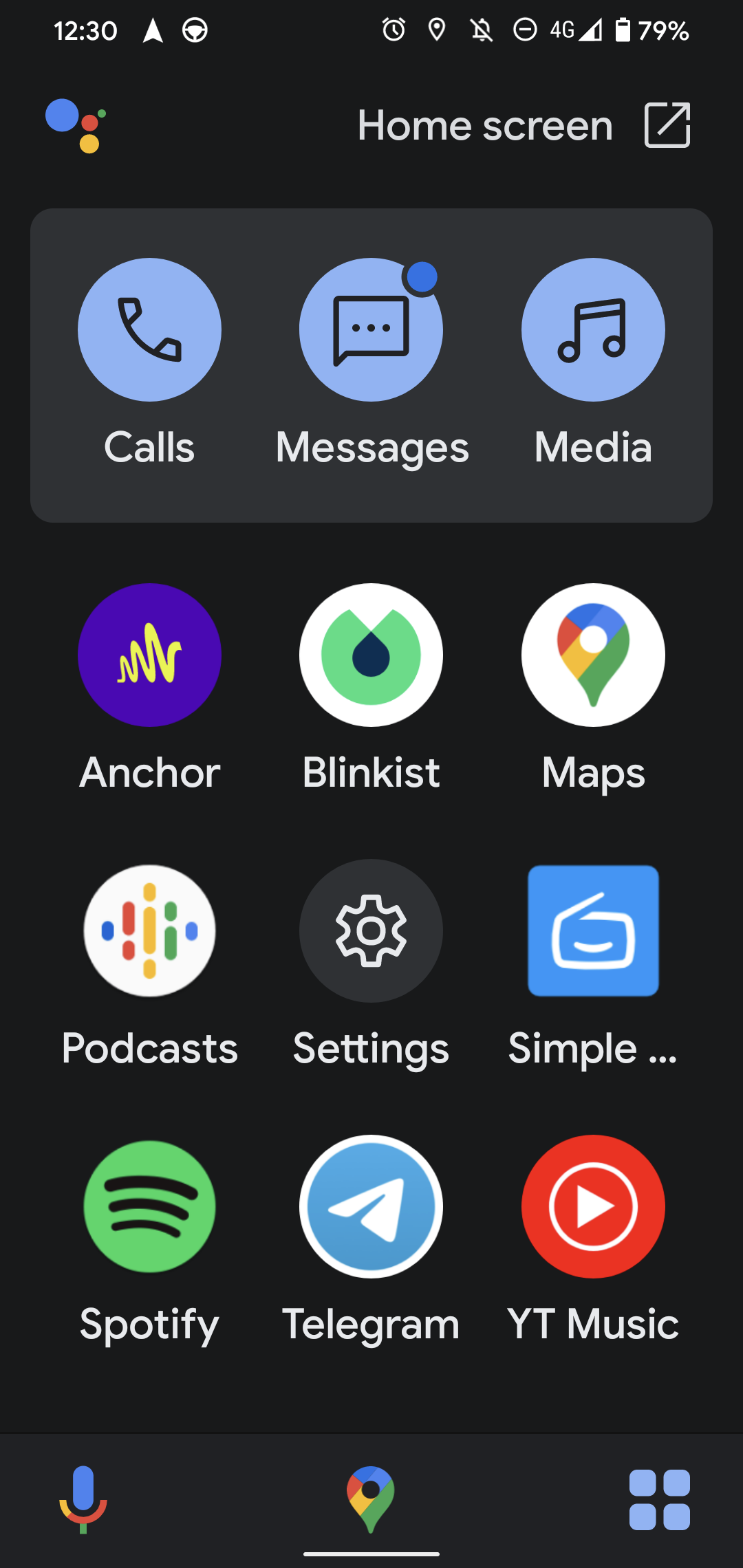
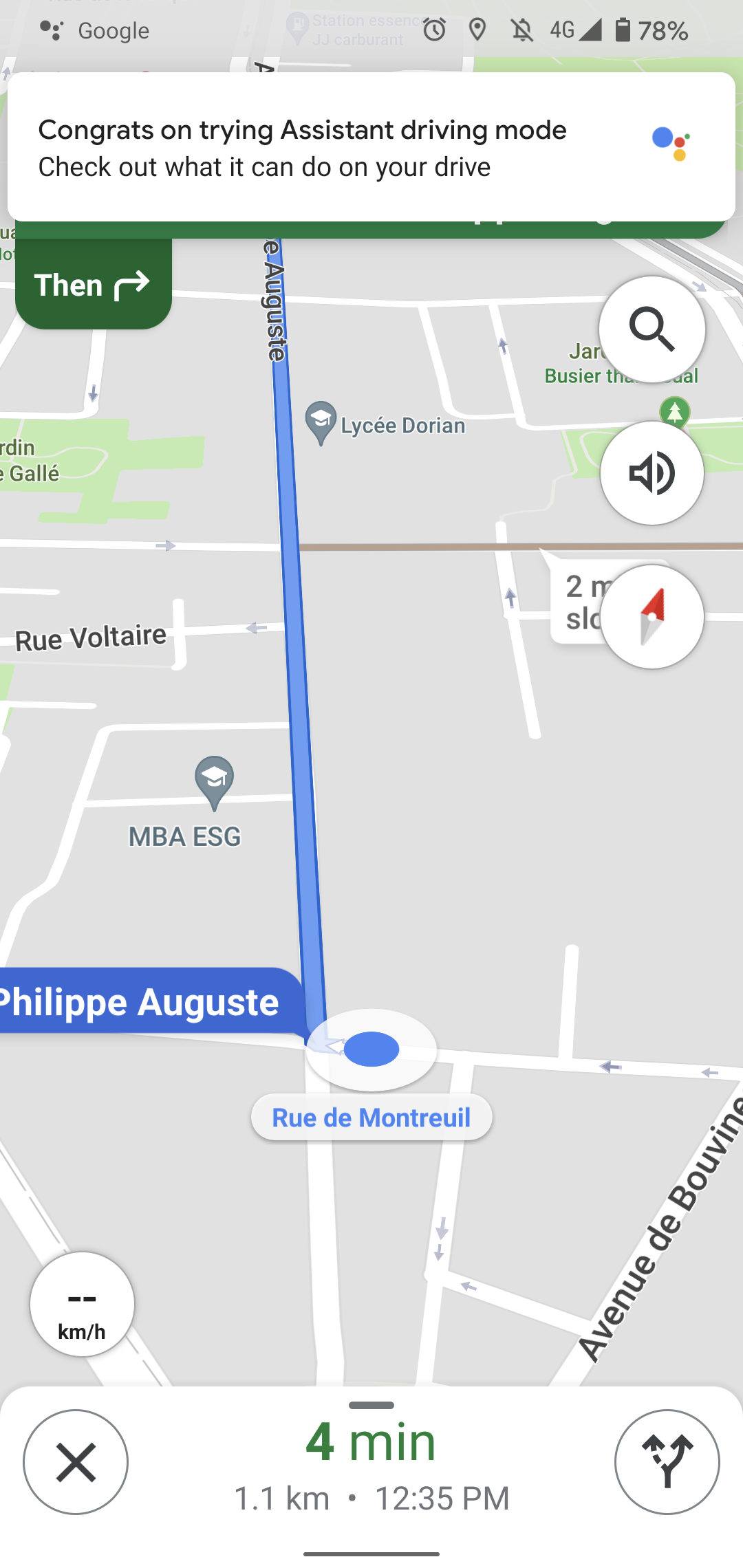
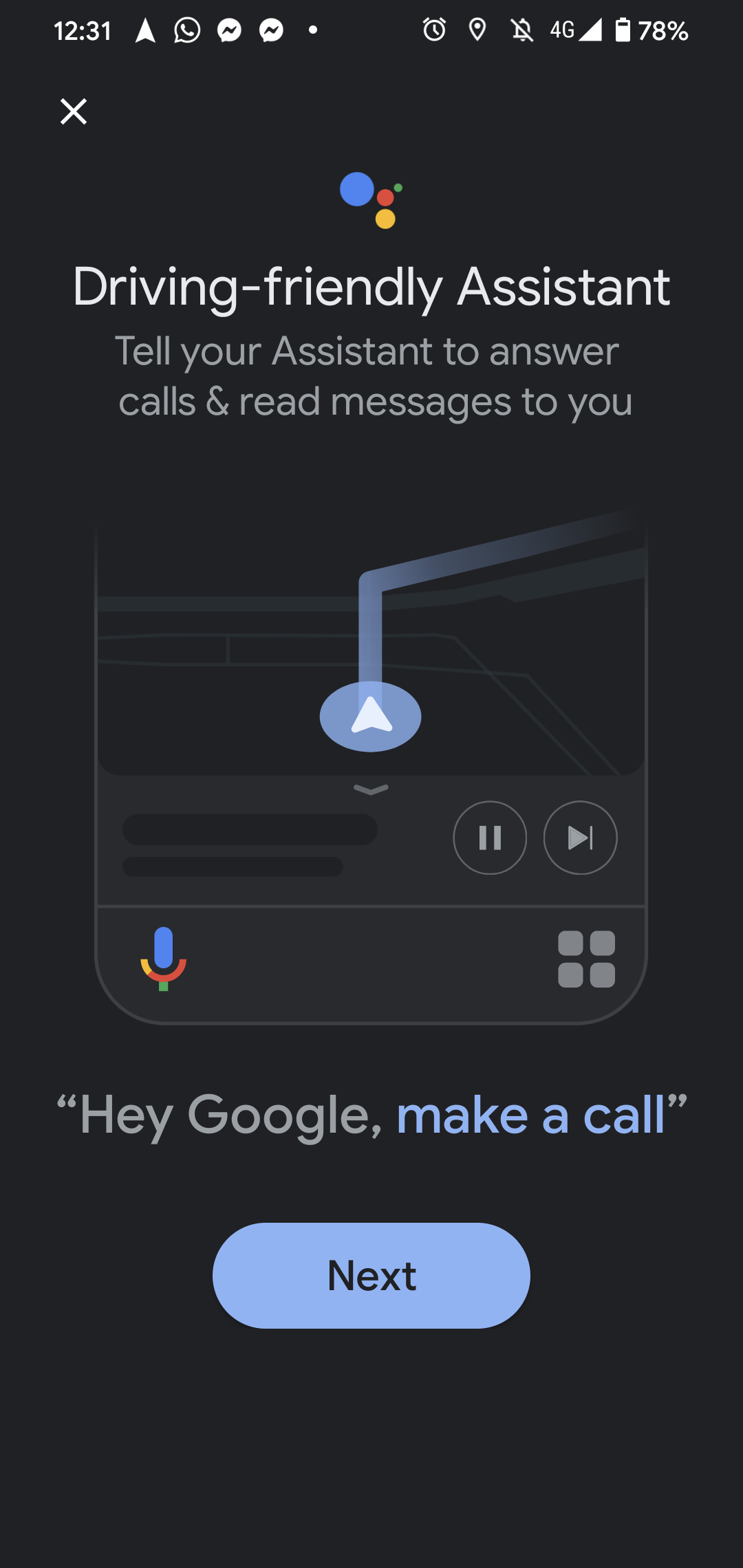
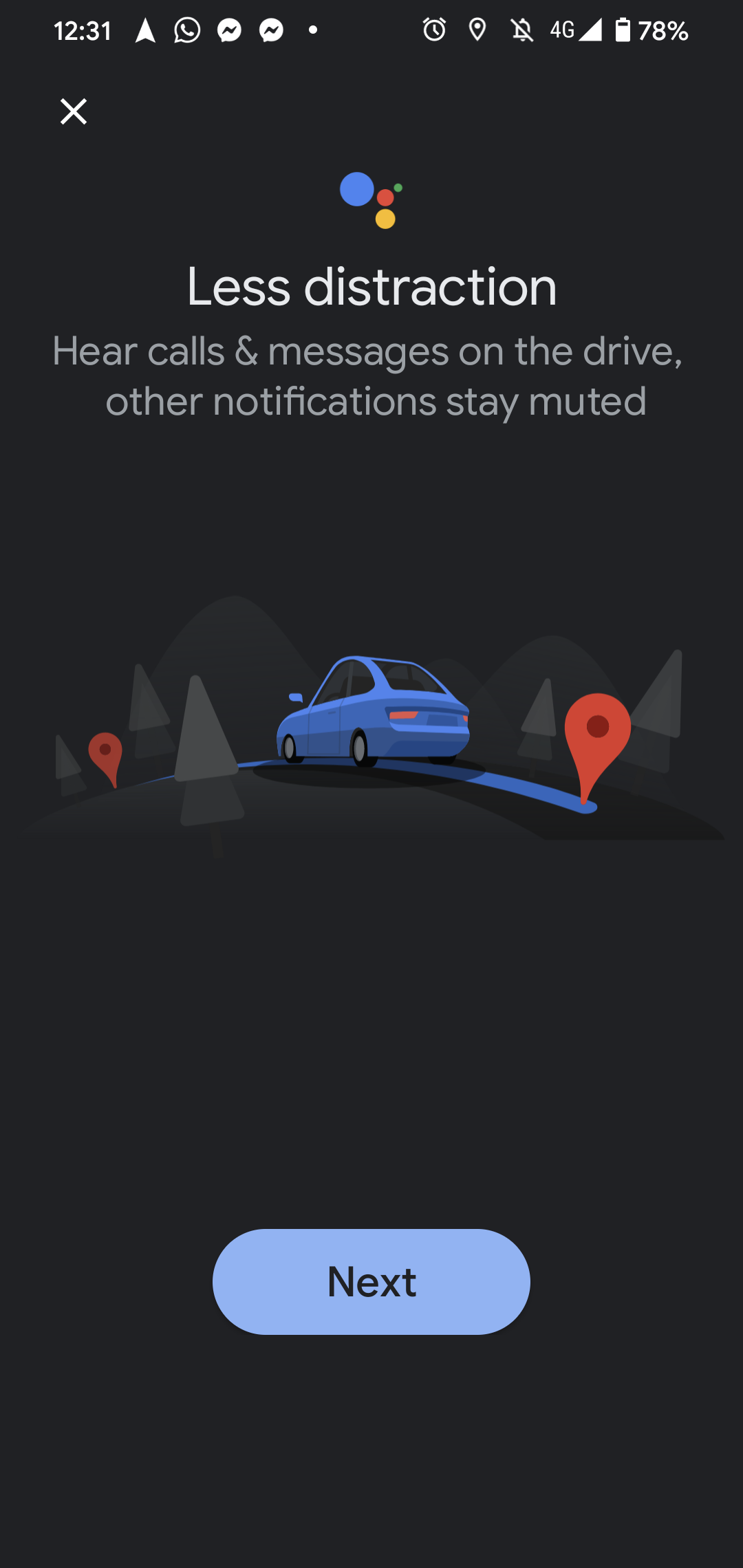
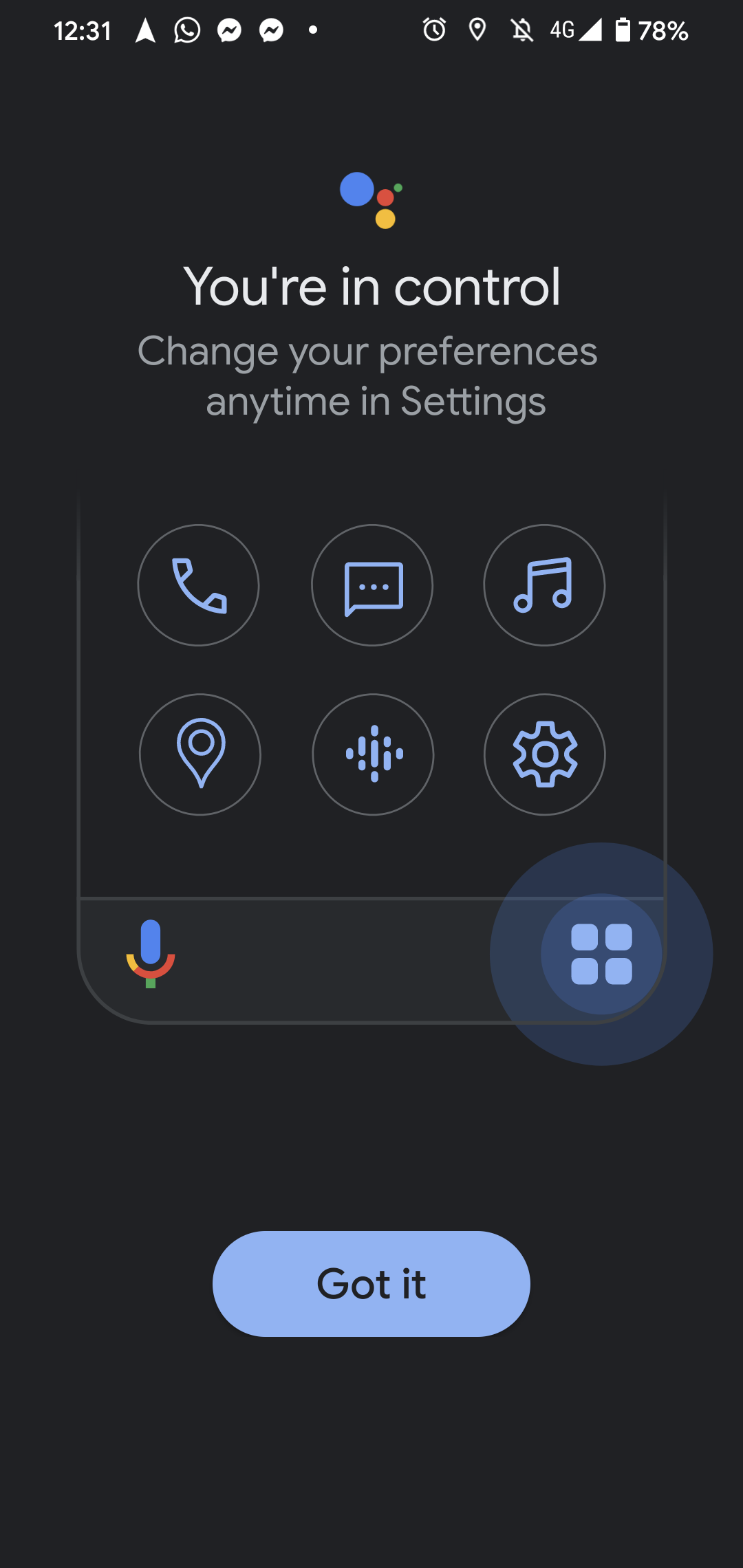
Google Maps recently launched their Assistant Driving mode, which they promote purposefully during a navigation session.
After using it for the first time, they also push a notification with a tutorial carousel so that users get the most of this new mode during their next session.