
Twitch - Navigation
Twitch Navigation
SocialNavigation
What we like
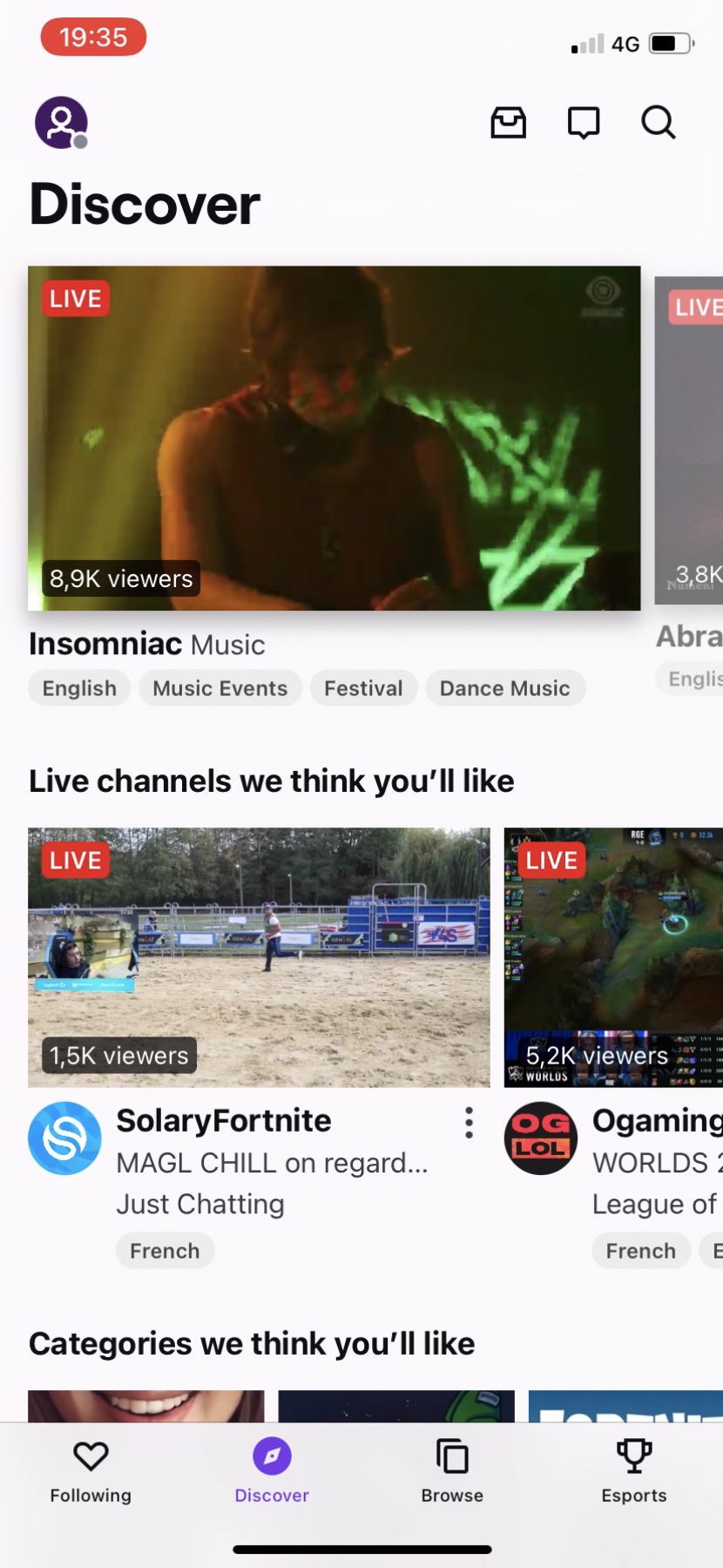
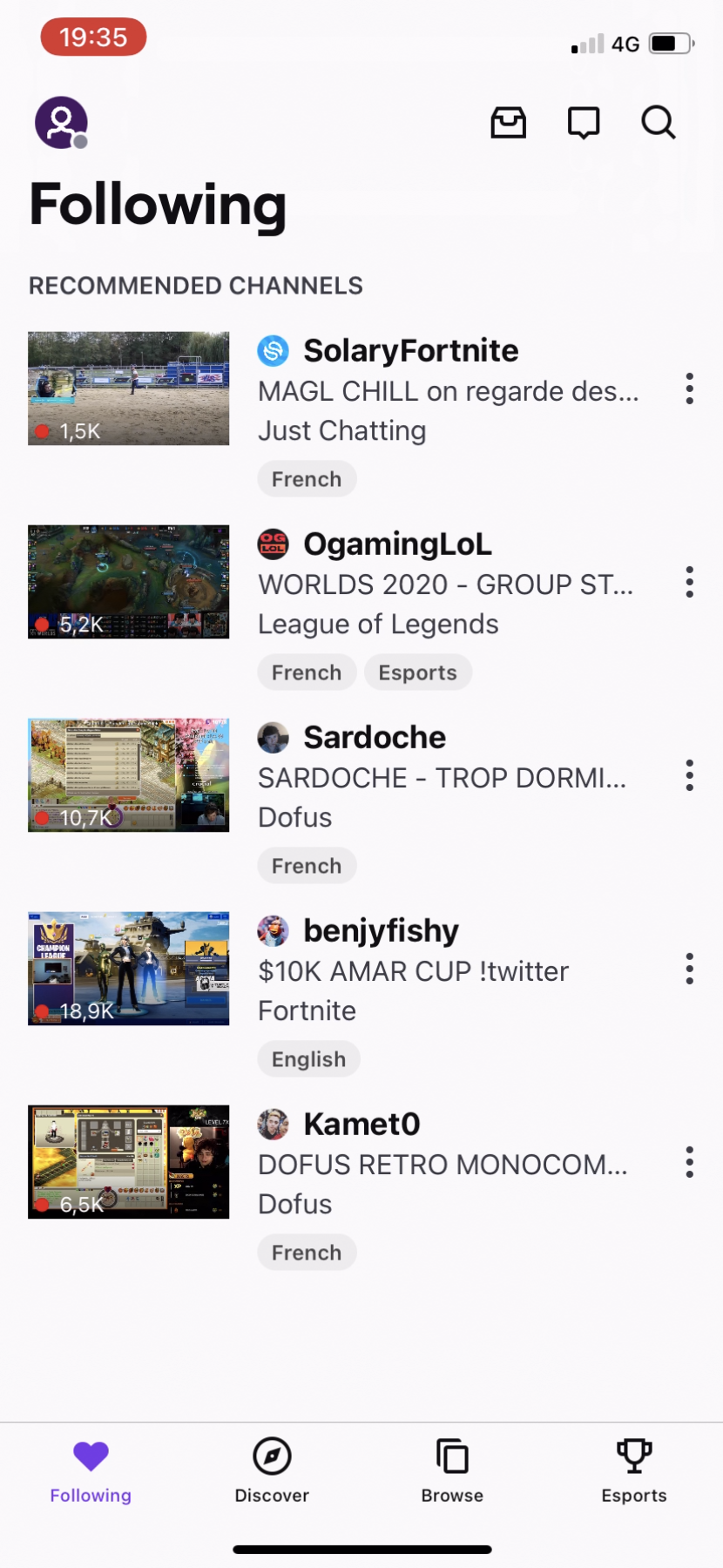
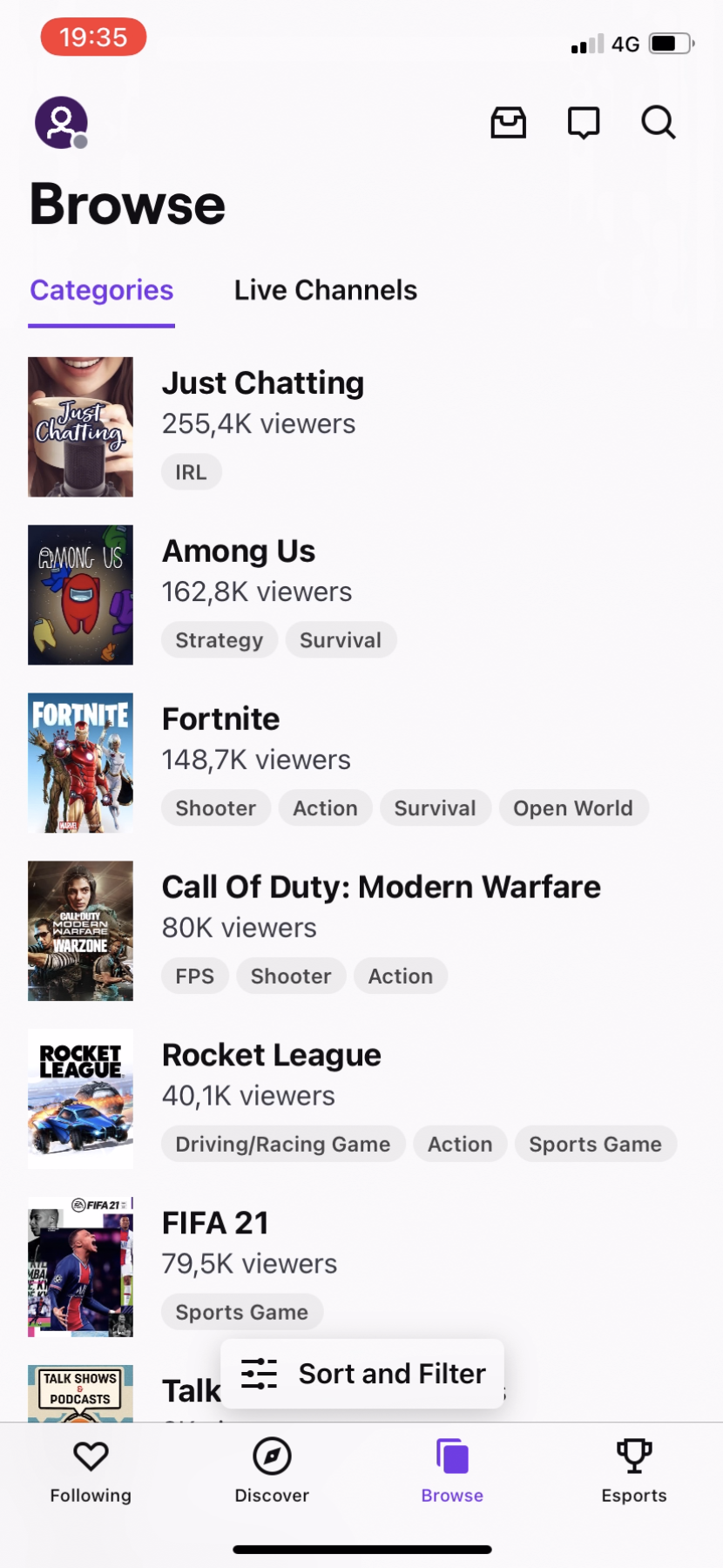
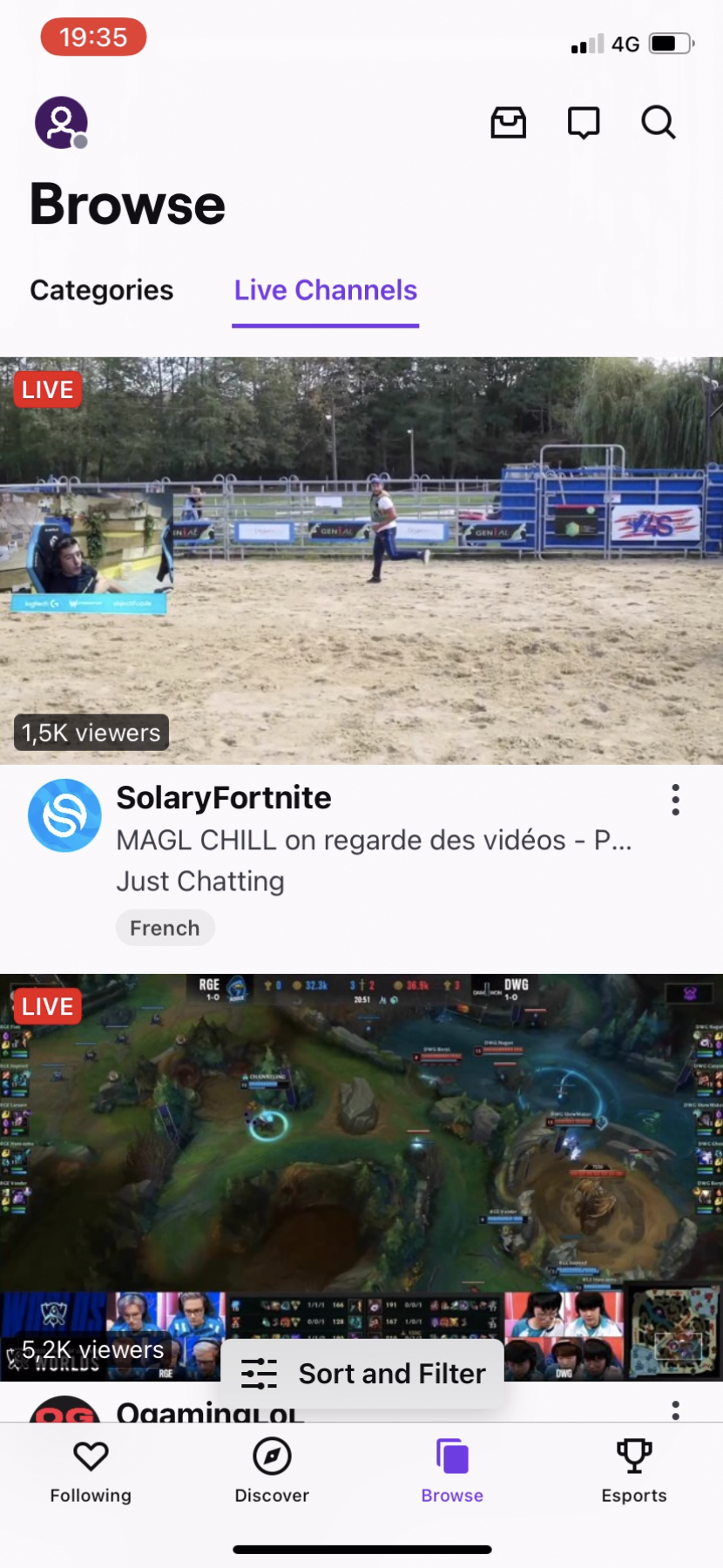
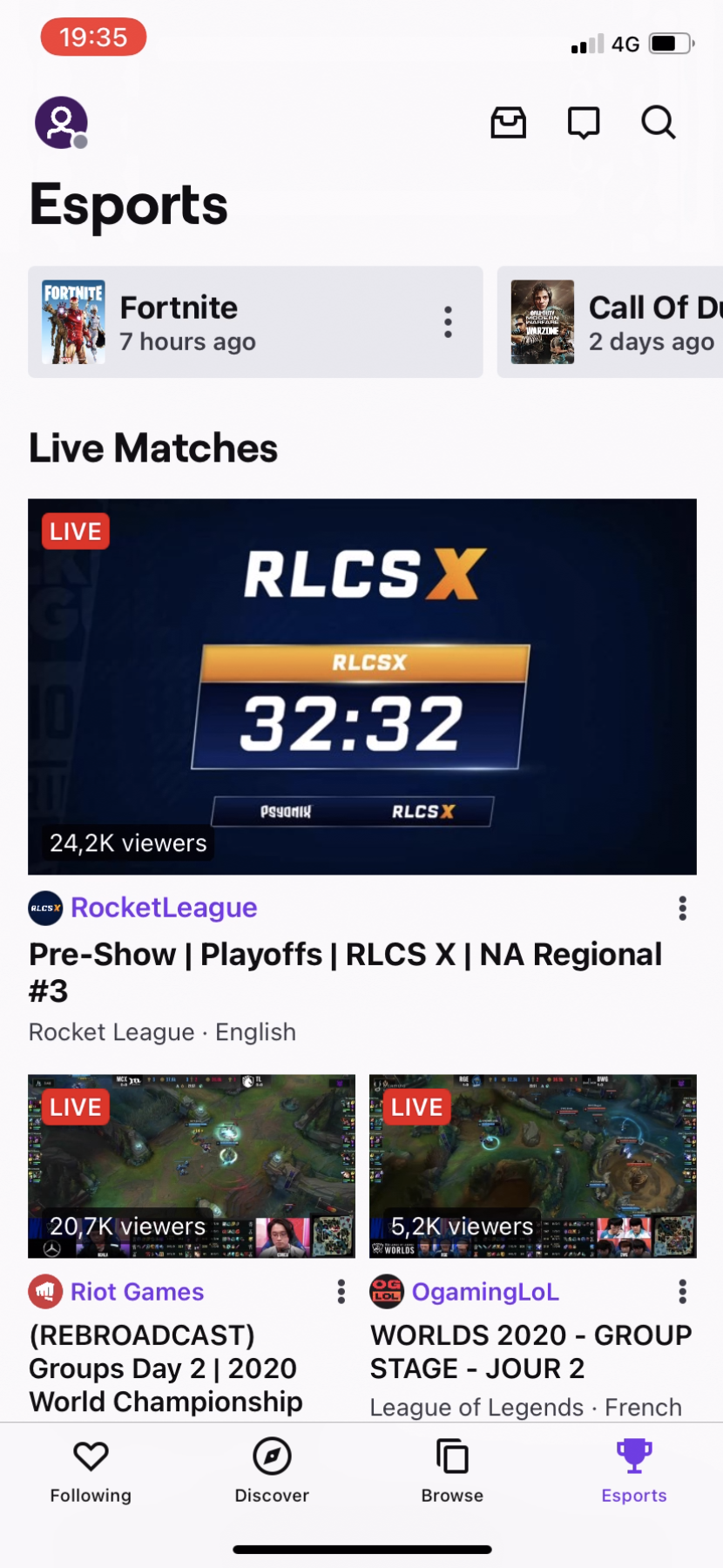
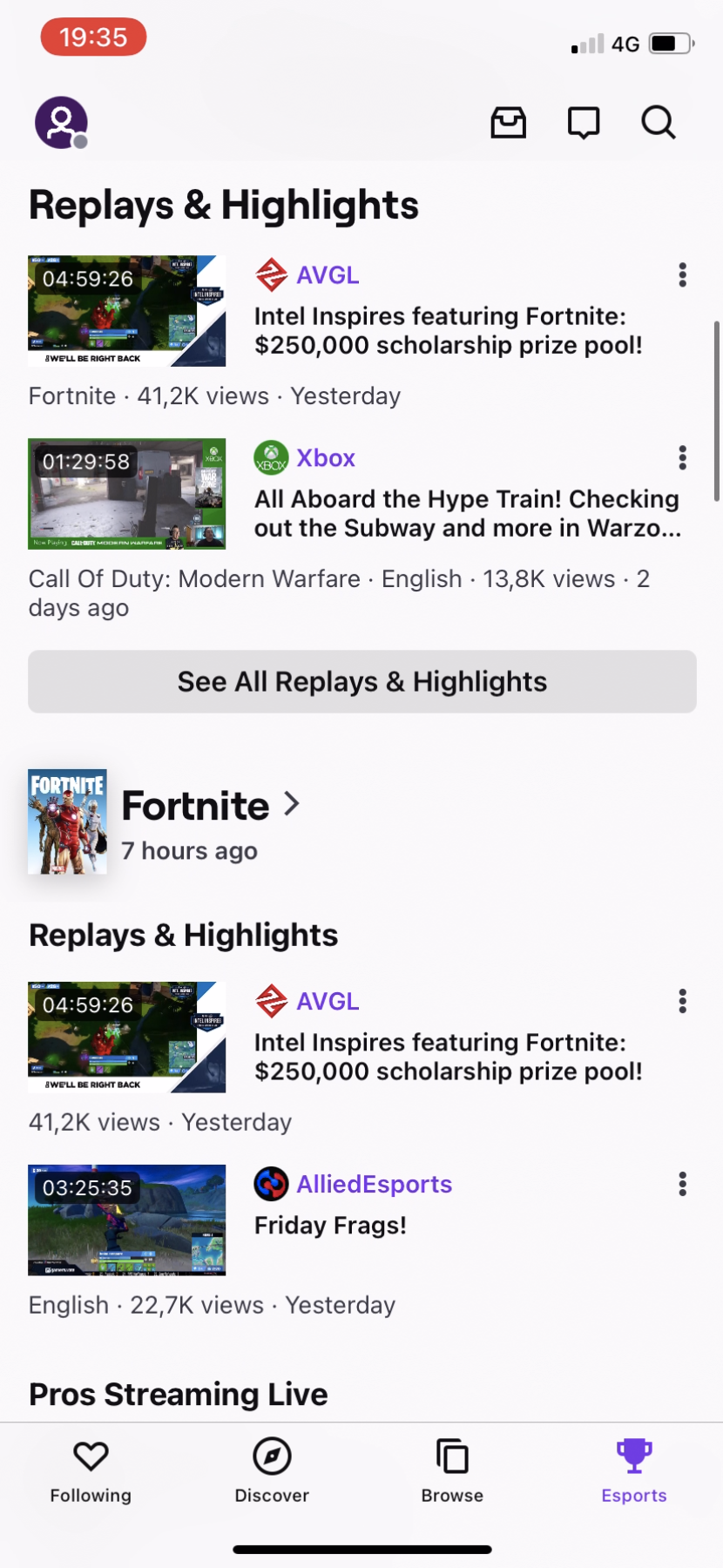
- Twitch managed to keep navigation relatively simple while content quantity exploded on its platform, with a simple 4-section navigation bar
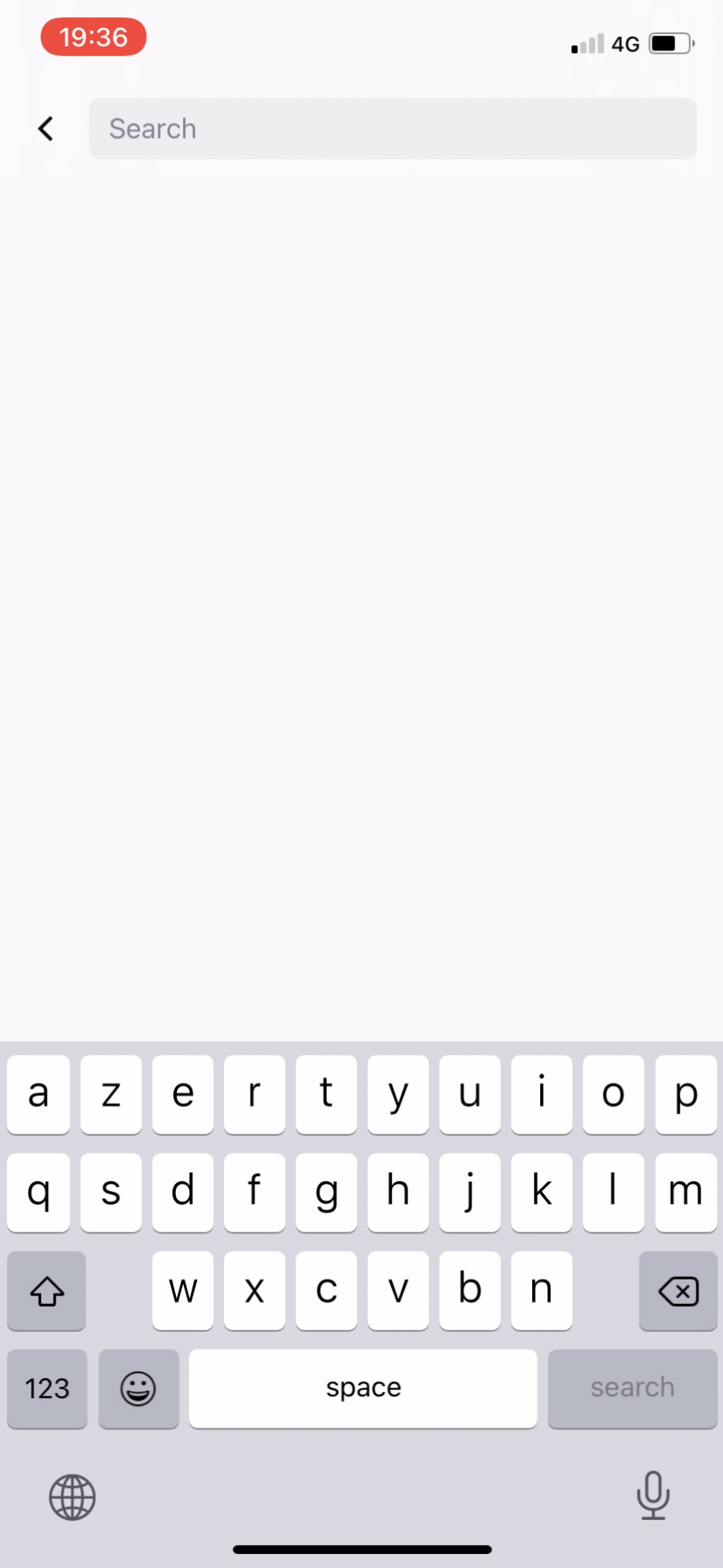
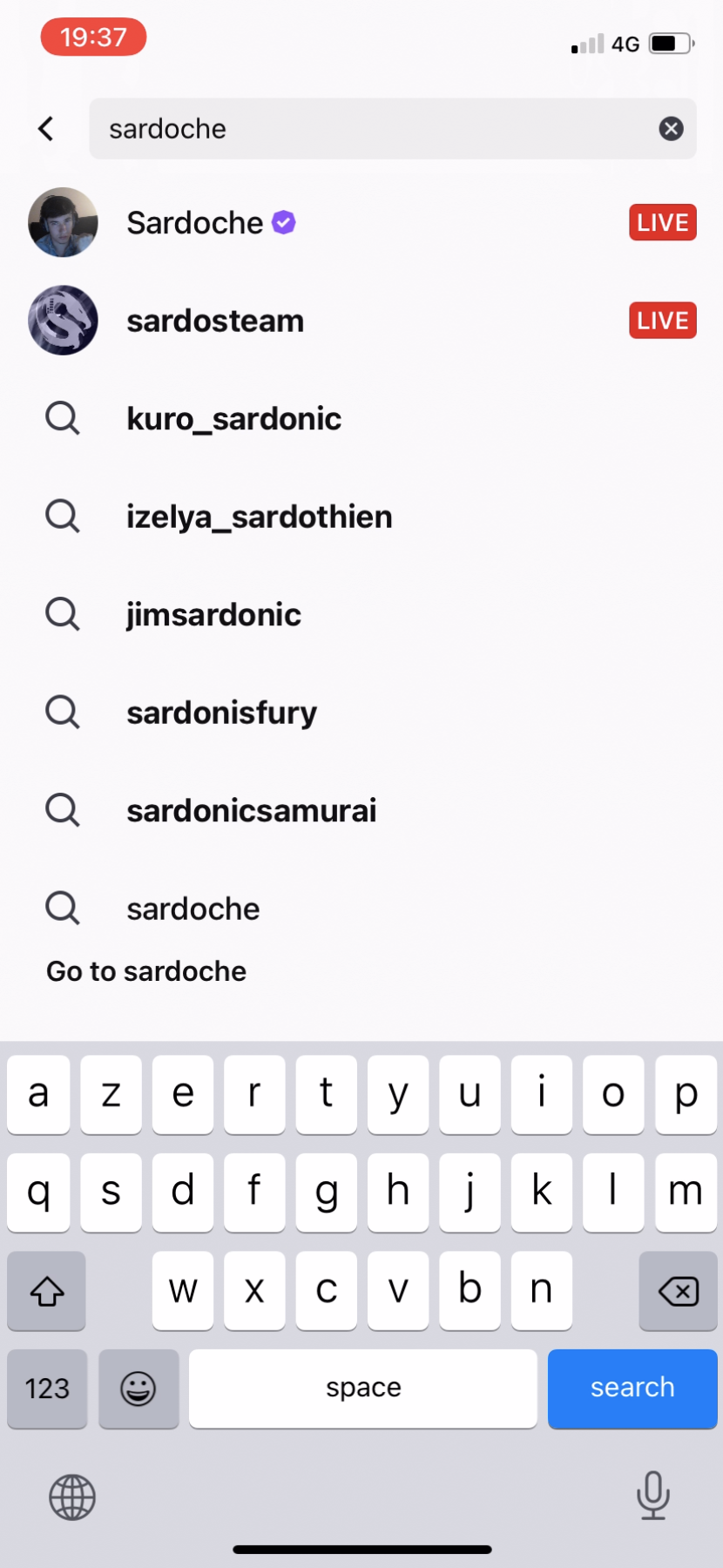
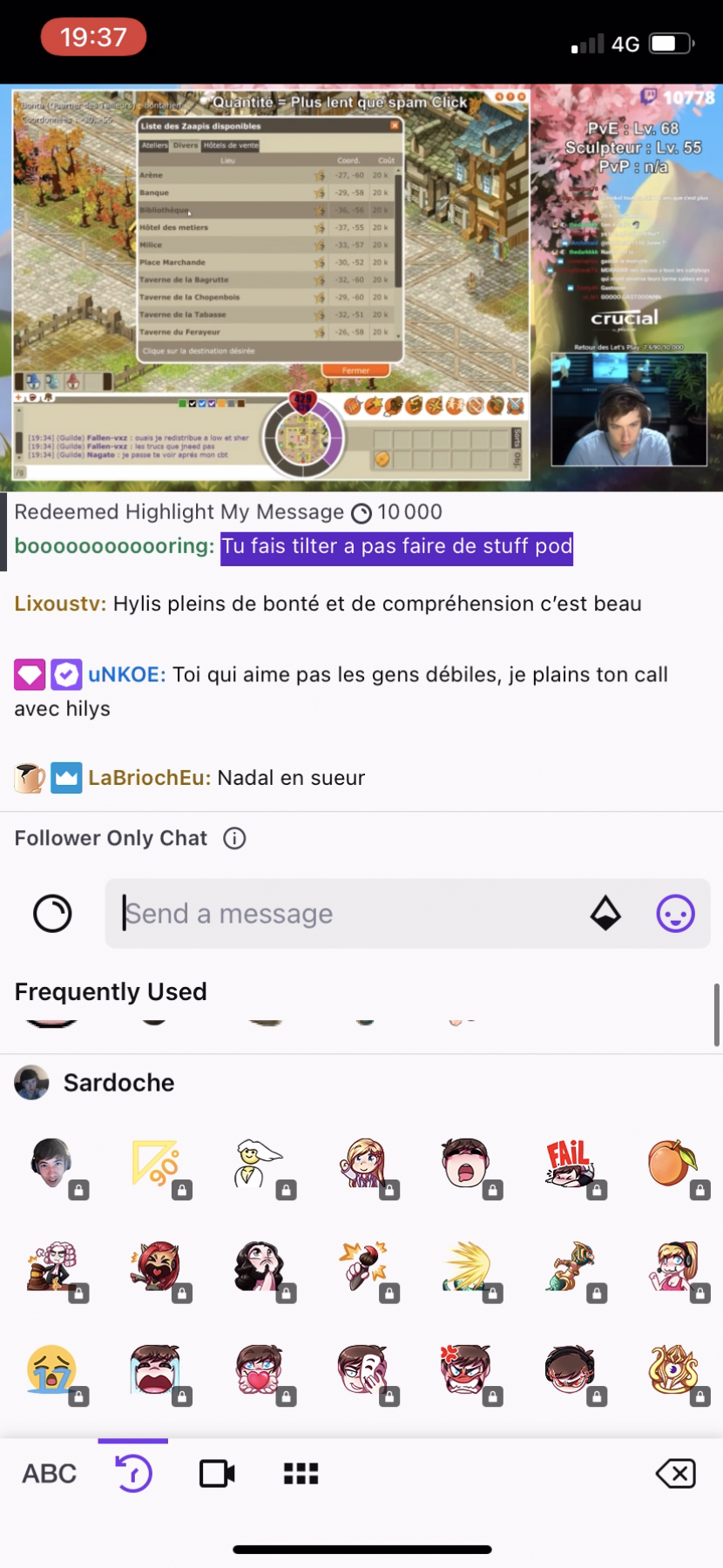
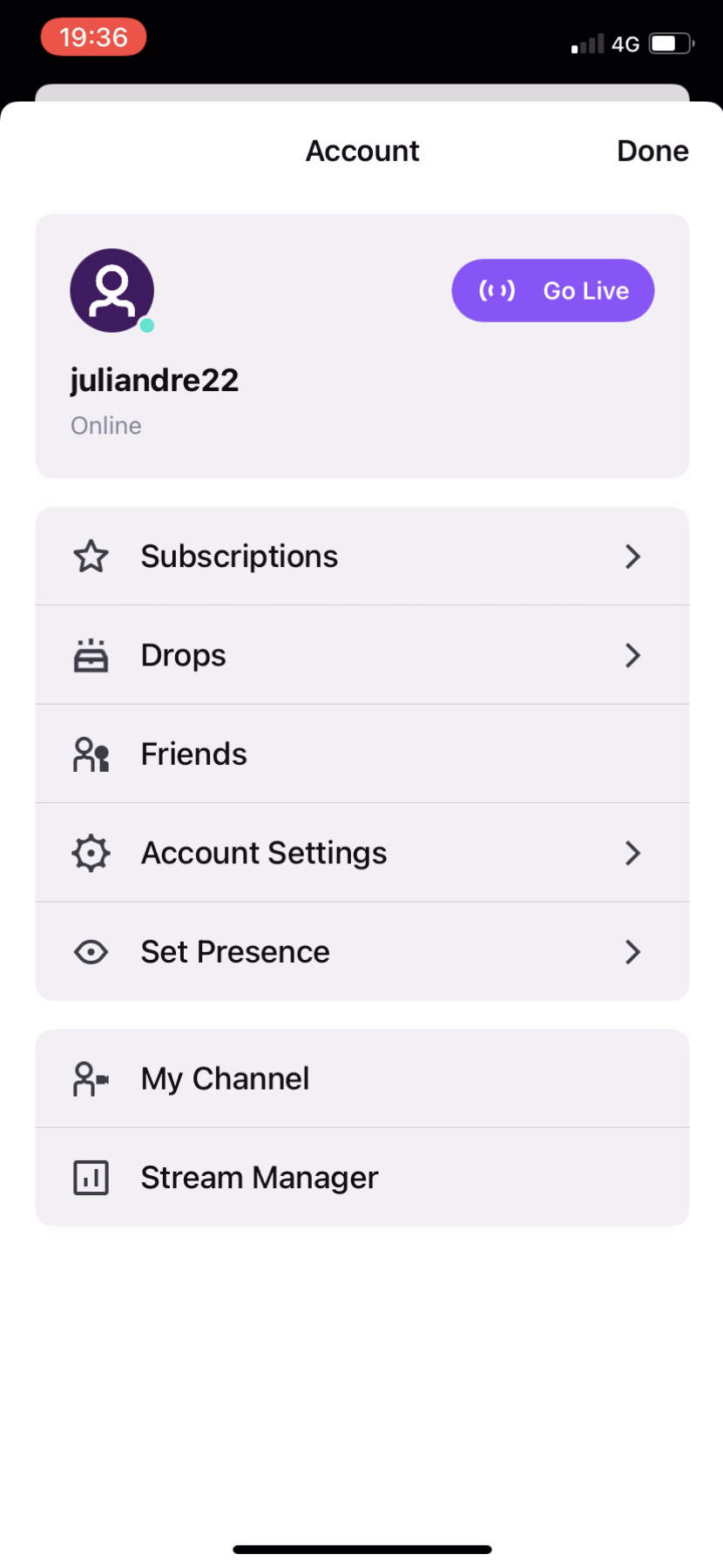
- Each section is organized differently, always with subsections, blocks, sliders and buttons to make sure the user can access to all the content available on the app with less than 4 taps, or through the search
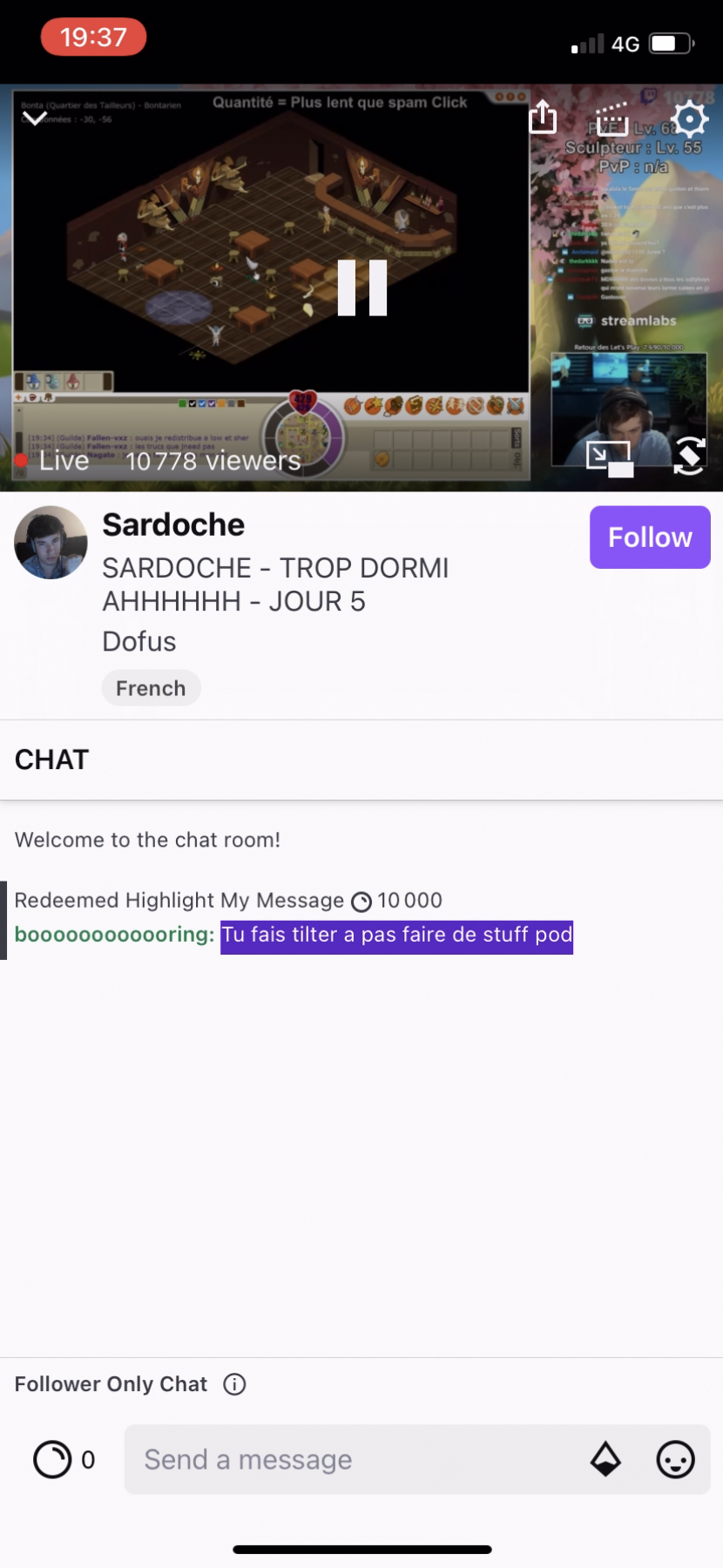
- The red "Live" icon is central in the app navigation to differentiate video content and trigger the user's fear of missing something happening in live rooms room
Screenshots(10 screens)